WordPress Themes
275 Products
WordPress Plugins
501 Products

Shopify
0 Products

PHP Scripts
0 Products

Opencart
0 Products

Magento
0 Products

Share:
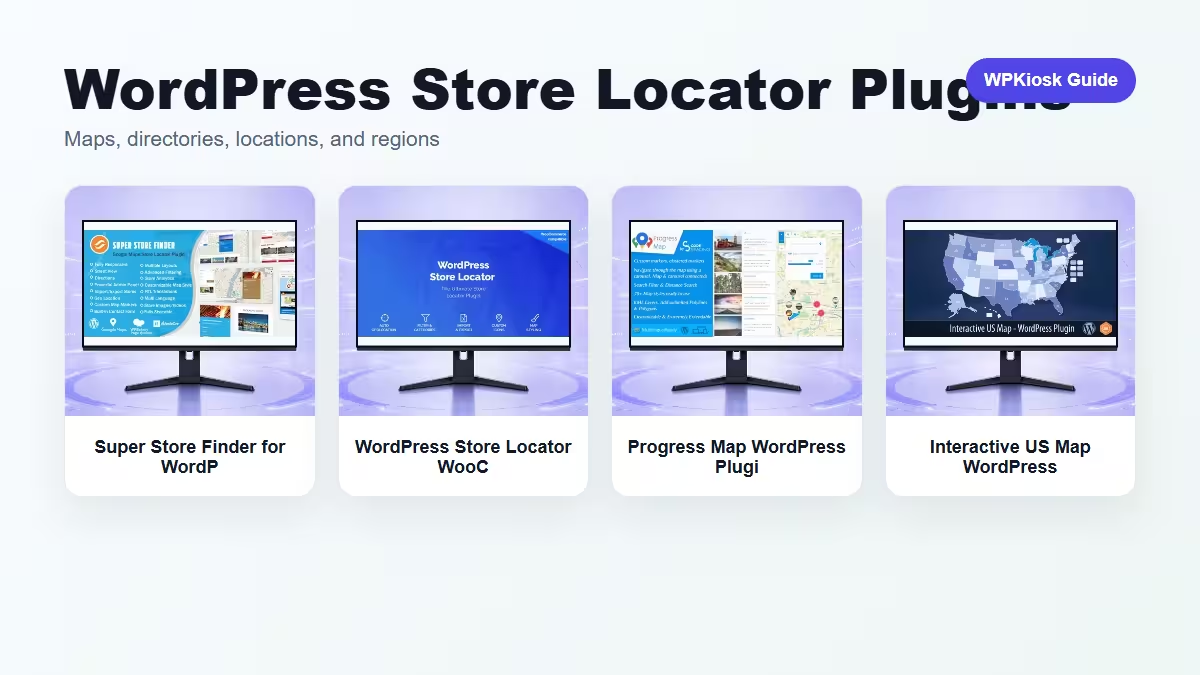
WordPress store locator and map plugins help visitors move from search intent to a real location, listing, branch, dealer, or service area. The best choice depends on whether the map is attached to stores, directories, regions, or listings.
| Plugin | Best fit | Why choose it | Product |
|---|---|---|---|
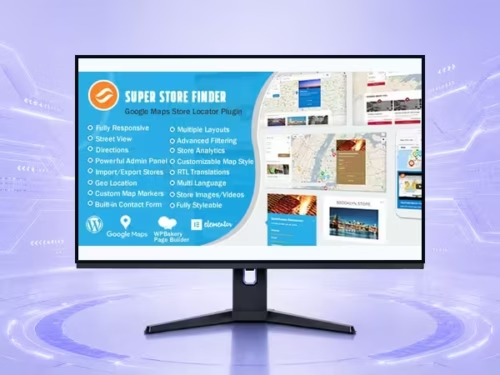
| Super Store Finder for WordPress (Google Maps Store Locator) WooCommerce Plugin – Store Management and eCommerce Workflow Tools | Google Maps store locator | Useful for branch, dealer, and service-area search. | View |
| WordPress Store Locator WooCommerce Plugin – Store Management and eCommerce Workflow Tools | WooCommerce-connected location workflow | Fits stores where locations relate to products or pickup. | View |
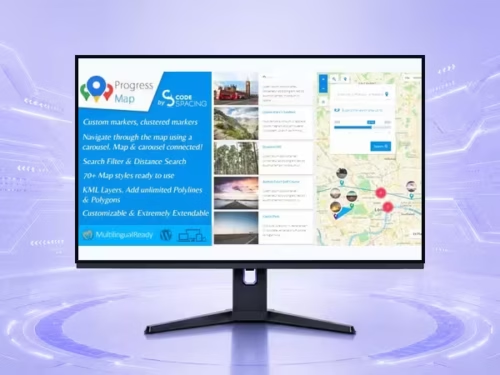
| Progress Map WordPress Plugin – Maps, Directory, and Location Tools | Map plus listing directory | Good when map markers and listings need to work together. | View |
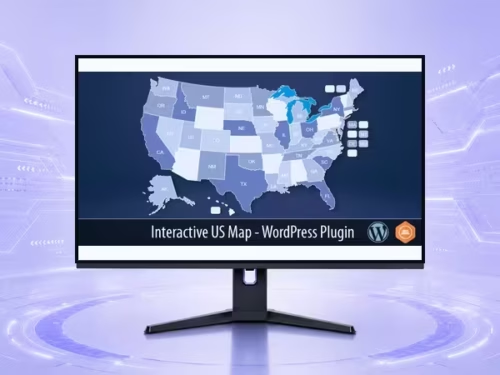
| Interactive US Map WordPress Plugin – Maps, Directory, and Location Tools | Region-based interactive map | Works when users browse by region rather than address. | View |
Scores focus on location UX and directory behavior.
| Criteria | Super Store Finder for WordPress (Google Maps Store Locator) WooCommerce Plugin – Store Management and eCommerce Workflow Tools | WordPress Store Locator WooCommerce Plugin – Store Management and eCommerce Workflow Tools | Progress Map WordPress Plugin – Maps, Directory, and Location Tools | Interactive US Map WordPress Plugin – Maps, Directory, and Location Tools |
|---|---|---|---|---|
| Location search | 9/10 | 8/10 | 8/10 | 6/10 |
| Directory/listing fit | 7/10 | 7/10 | 9/10 | 6/10 |
| Region browsing | 6/10 | 6/10 | 7/10 | 9/10 |
| WooCommerce fit | 7/10 | 8/10 | 6/10 | 5/10 |
| Mobile map usability | 8/10 | 7/10 | 7/10 | 8/10 |
Store locators need more than a map. Visitors usually need address, opening hours, phone number, directions, distance, filters, and a clear call to action. Keep the location card readable on mobile.
Map directories are useful for real estate, dealers, service providers, venues, offices, and tourism listings. The listing card matters as much as the marker because users compare details before clicking directions.
Interactive maps work well when the region itself is the navigation: states, countries, territories, venue sections, or service areas. They are weaker when users need address-level search.
Choose by search behavior. If users know a city or ZIP code, use a locator. If they browse listings, use a map directory. If they choose a region, use an interactive map.
The best plugin depends on whether users search by address, browse listings, or choose a region.
Some can support WooCommerce workflows, especially when locations connect to pickup, dealers, or physical stores.
Address, hours, phone number, directions, service area, filters, and a clear next step.
They can help users navigate location content, but each important location should still have crawlable text and a useful page.
Yes. Map controls, location cards, and direction buttons must be easy to use on phones.