WordPress Themes
275 Products
WordPress Plugins
501 Products

Shopify
0 Products

PHP Scripts
0 Products

Opencart
0 Products

Magento
0 Products

Share:
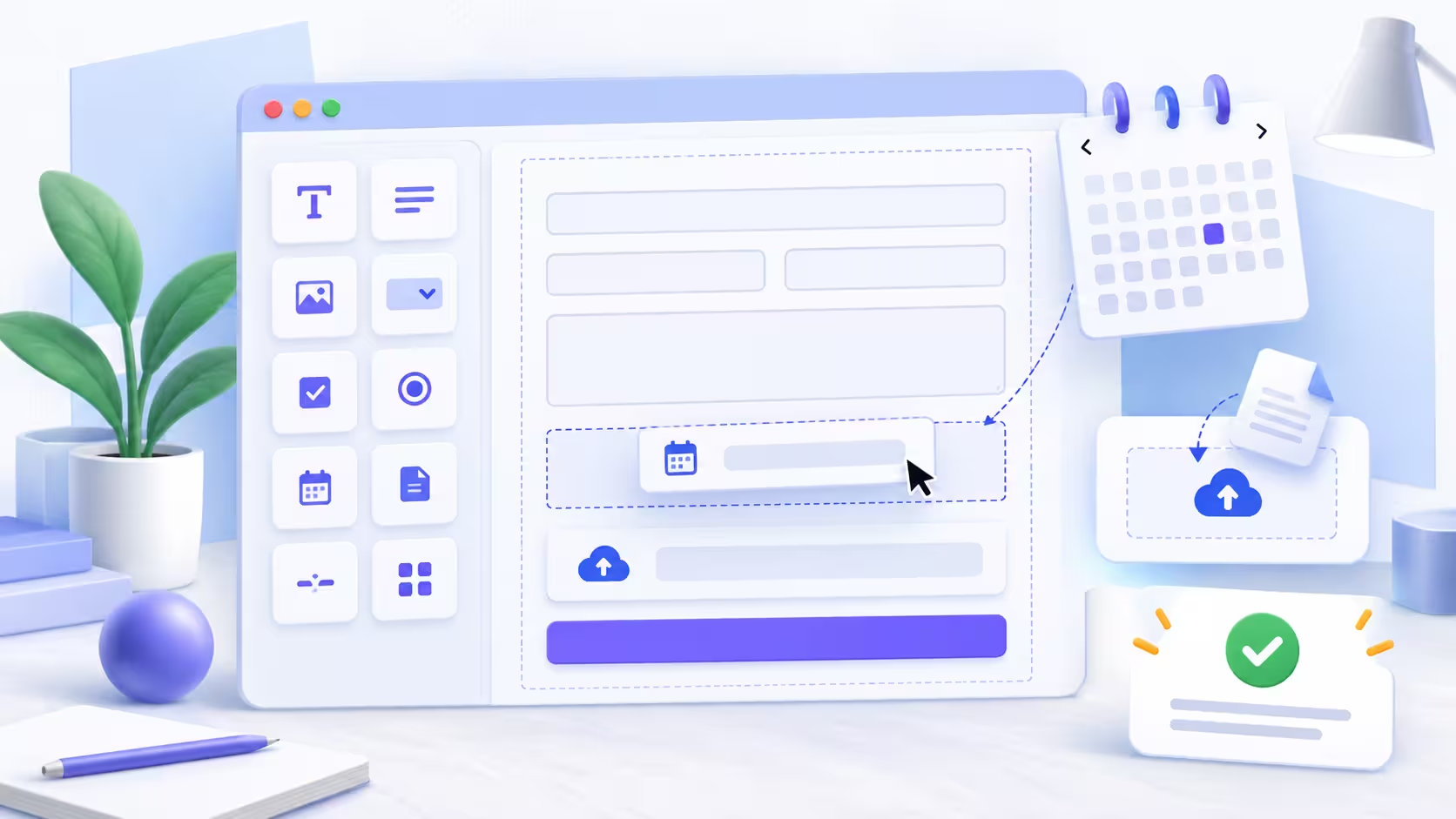
JetFormBuilder is a compelling form option for a WordPress team that already works comfortably in the block editor and needs forms to do more than send an email. It is aimed at workflows such as bookings, applications, calculated requests, user actions, and WooCommerce-adjacent forms where the post-submit result matters as much as the fields themselves.
The key advantage is proximity to native WordPress editing. The key responsibility is design discipline: an advanced form needs a clear success state, a privacy decision, reliable notification handling, and tests for every conditional route. More fields do not make a form more useful.
Use it for a service business with qualification forms, a directory or marketplace with user submissions, a booking or application workflow, or a site already built around Gutenberg and Crocoblock tools. It is especially useful when the submission should create, update, redirect, calculate, or otherwise drive a structured next step.
For a single basic contact form, choose the option the site editor can maintain confidently. A powerful form builder earns its place when the business process needs its additional control.
Start by writing the decision the form must support. A quote request might need project type, budget range, deadline, and contact details; it does not need every possible question. Group fields in the same order a person naturally thinks about the request, and state which fields are required before the visitor reaches submit.
JetFormBuilder’s own overview describes a block-editor approach with advanced fields, conditional elements, and post-submit actions. That makes it flexible, but a form should still look and behave like one coherent conversation rather than a collection of available blocks.
Conditional logic is helpful when a later question only makes sense after an earlier answer. Use it to reduce effort, not to create a puzzle. Test every branch with real sample answers, including the path where a condition hides a field that was previously required.
Post-submit actions deserve the same attention as the form layout. Decide whether the visitor sees a confirmation, receives an email, creates a record, is redirected, or begins a payment step. Then test what happens if a destination is temporarily unavailable.
Run each path on desktop and mobile. Check validation messages, keyboard navigation, consent checkboxes, confirmation copy, email delivery, and the records created in the back office. Submit an intentionally malformed value where a format matters. A form that accepts bad data is often more expensive than one that refuses it.
Do not nest this form inside another form plugin’s output. Each form needs its own markup, validation, and submission lifecycle. If a page needs several workflows, give each form a discrete purpose and test it separately.
Complex forms are small applications. They need a named owner, a review when related plugins update, and an audit when a business process changes. Keep field labels, emails, integrations, and consent wording together in a simple maintenance note.
Also budget for real-world monitoring after launch. The first people who use a new form will show you which instructions are unclear and which conditional path was imagined but never tested.
No. It is designed for more dynamic WordPress form workflows, including conditional fields and actions after submission. A simple contact form is possible, but not where its extra capability matters most.
Yes. Its workflow is based around the native block editor, which can be a good fit for sites already using Gutenberg for content.
Test every visible and hidden branch, including required-field behavior after a condition changes. Use realistic data rather than only the ideal path.
Define one clear result: confirmation, email, record creation, redirect, payment step, or another intentional next action. Then verify it with a real test submission.
Yes. Review them when related plugins, integrations, privacy language, or the underlying business process changes.