WordPress Themes
275 Products
WordPress Plugins
501 Products

Shopify
0 Products

PHP Scripts
0 Products

Opencart
0 Products

Magento
0 Products

Share:
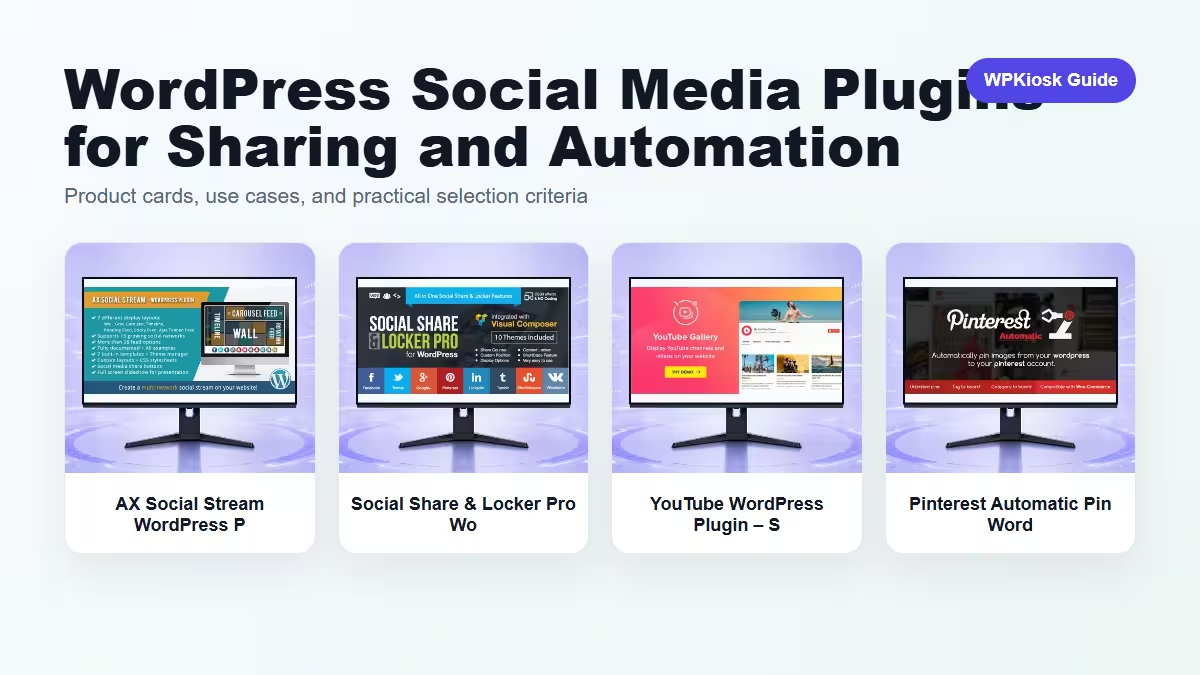
WordPress social media plugins can display feeds, encourage sharing, embed videos, or automate distribution. The risk is loading too many third-party scripts on every page.
| Plugin | Best fit | Why choose it | Product |
|---|---|---|---|
| AX Social Stream WordPress Plugin – Social Marketing and Growth Automation Tools | Social feed display | Shows social content on the site. | View |
| Social Share & Locker Pro WordPress Plugin – Social Marketing and Growth Automation Tools | Sharing and content locks | Supports campaign sharing workflows. | View |
| YouTube WordPress Plugin – Social Marketing and Growth Automation Tools | YouTube content | Useful for video-heavy publishers. | View |
| Pinterest Automatic Pin WordPress Plugin – Social Marketing and Growth Automation Tools | Pinterest automation | Fits visual content distribution. | View |
Scores focus on practical site-owner decisions rather than raw feature count.
| Criteria | AX Social Stream WordPress Plugin – Social Marketing and Growth Automation Tools | Social Share & Locker Pro WordPress Plugin – Social Marketing and Growth Automation Tools | YouTube WordPress Plugin – Social Marketing and Growth Automation Tools | Pinterest Automatic Pin WordPress Plugin – Social Marketing and Growth Automation Tools |
|---|---|---|---|---|
| Distribution fit | 7/10 | 8/10 | 8/10 | 9/10 |
| On-page engagement | 8/10 | 8/10 | 9/10 | 7/10 |
| Performance risk | 6/10 | 6/10 | 6/10 | 7/10 |
| Campaign usefulness | 7/10 | 9/10 | 8/10 | 8/10 |
| Setup simplicity | 7/10 | 7/10 | 8/10 | 7/10 |




Feeds can add external scripts and layout shifts. Load them only where they support the page goal.
Sharing buttons work best near useful content, not as floating clutter that blocks reading.
Video and visual platforms need thumbnails, captions, and page context to support search and sharing.
Choose one distribution workflow at a time and measure whether it actually sends useful traffic.
Start with the workflow you need to improve, then choose the plugin that solves that job with the least extra complexity.
Only when they solve different jobs. Overlapping plugins can slow the site and make maintenance harder.
Yes. The article uses WooCommerce product cards so pricing is read from the product catalog rather than hard-coded in the article.
Test mobile layout, checkout or form behavior, page speed, and any user-facing emails or notifications.
They can support SEO and UX, but rankings still depend on search intent, useful content, internal links, technical health, and trust.