WordPress Themes
275 Products
WordPress Plugins
501 Products

Shopify
0 Products

PHP Scripts
0 Products

Opencart
0 Products

Magento
0 Products

Share:
WordPress popup plugins can help with lead capture, announcements, content promotion, and campaigns, but they can also hurt trust if they interrupt every visitor too soon.
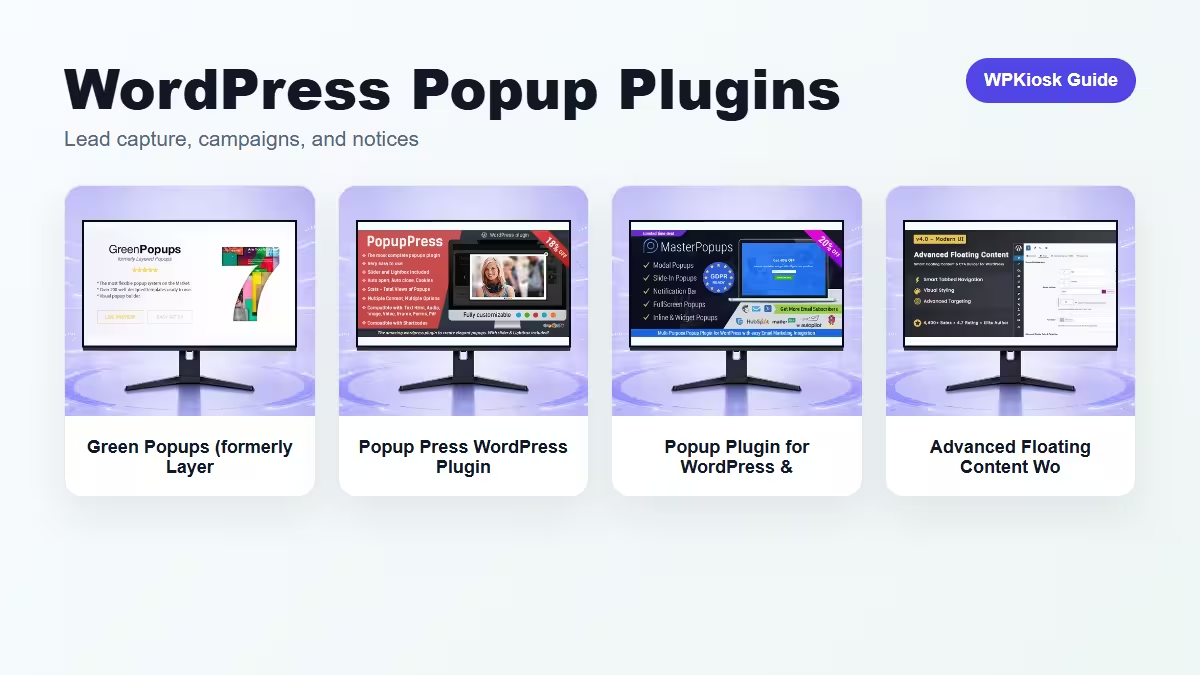
| Plugin | Best fit | Why choose it | Product |
|---|---|---|---|
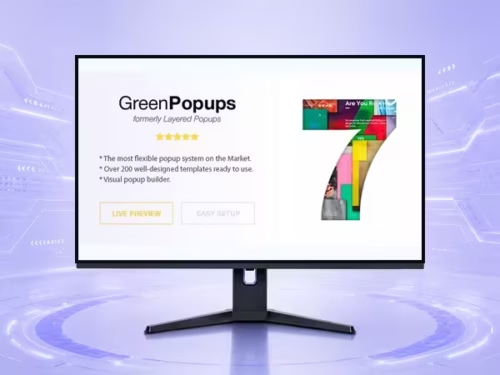
| Green Popups (formerly Layered Popups) WordPress Plugin – Form Builder and Data Collection Tools | Lead capture forms | Fits email opt-ins and data collection campaigns. | View |
| Popup Press WordPress Plugin – Media, Gallery, and Content Display Tools | Media and gallery popups | Useful when the popup displays content or media. | View |
| Popup Plugin for WordPress & Popup Editor WordPress Plugin – Form Builder and Data Collection Tools | Editable campaign popups | Good when campaign editing is frequent. | View |
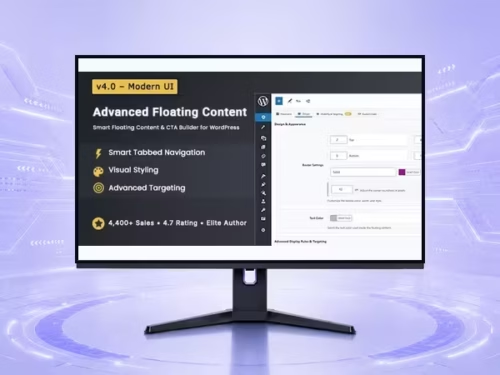
| Advanced Floating Content WordPress Plugin – Site Utility and Workflow Enhancement Tools | Floating notices and sticky prompts | Works for less intrusive site notices. | View |
Scores reward useful campaign control and penalize intrusive mobile behavior.
| Criteria | Green Popups (formerly Layered Popups) WordPress Plugin – Form Builder and Data Collection Tools | Popup Press WordPress Plugin – Media, Gallery, and Content Display Tools | Popup Plugin for WordPress & Popup Editor WordPress Plugin – Form Builder and Data Collection Tools | Advanced Floating Content WordPress Plugin – Site Utility and Workflow Enhancement Tools |
|---|---|---|---|---|
| Lead capture fit | 9/10 | 6/10 | 8/10 | 6/10 |
| Content display | 7/10 | 9/10 | 8/10 | 7/10 |
| Campaign control | 8/10 | 7/10 | 8/10 | 7/10 |
| Mobile restraint | 6/10 | 7/10 | 6/10 | 8/10 |
| Ease of testing | 7/10 | 7/10 | 7/10 | 8/10 |
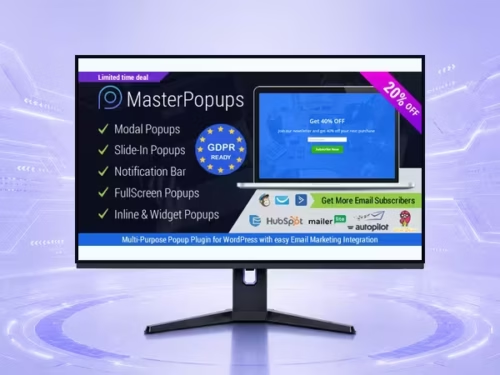
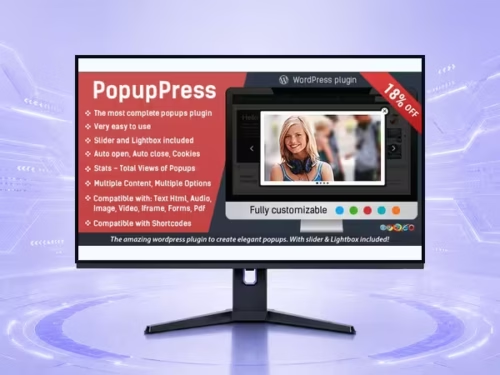
Good popups respect intent. Delay them until the visitor has context, use exit intent or scroll depth carefully, and avoid showing the same prompt on every page view.
A popup should have one job: join the list, claim an offer, view an announcement, or continue to a resource. Keep fields minimal, make close controls obvious, and make the mobile version smaller than the desktop design.
Heavy popups can add scripts, layout shifts, and user frustration. Test page speed and mobile usability after adding campaigns. Do not hide important content behind an intrusive interstitial.
Choose the popup tool that matches your campaign type. Lead capture, gallery display, editor-managed campaigns, and floating notices are different jobs; one site rarely needs all of them at once.
The best popup plugin depends on the campaign: lead capture, content display, announcements, or floating notices.
Popups can hurt user experience and mobile usability if they are intrusive. Use them carefully and test real pages.
After the visitor has context: scroll depth, time delay, exit intent, or campaign-specific pages usually work better than instant popups.
Use as few as possible. Email-only or name-and-email forms usually perform better than long forms.
Yes. Mobile popups need smaller layouts, clear close controls, and fewer distractions.