WordPress Themes
275 Products
WordPress Plugins
501 Products

Shopify
0 Products

PHP Scripts
0 Products

Opencart
0 Products

Magento
0 Products

Share:
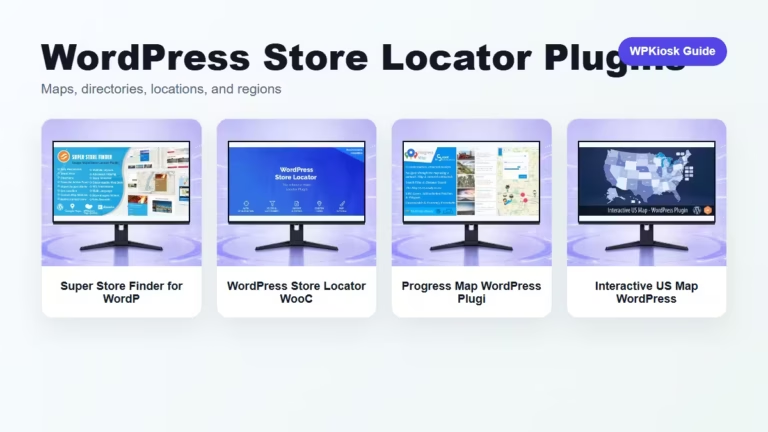
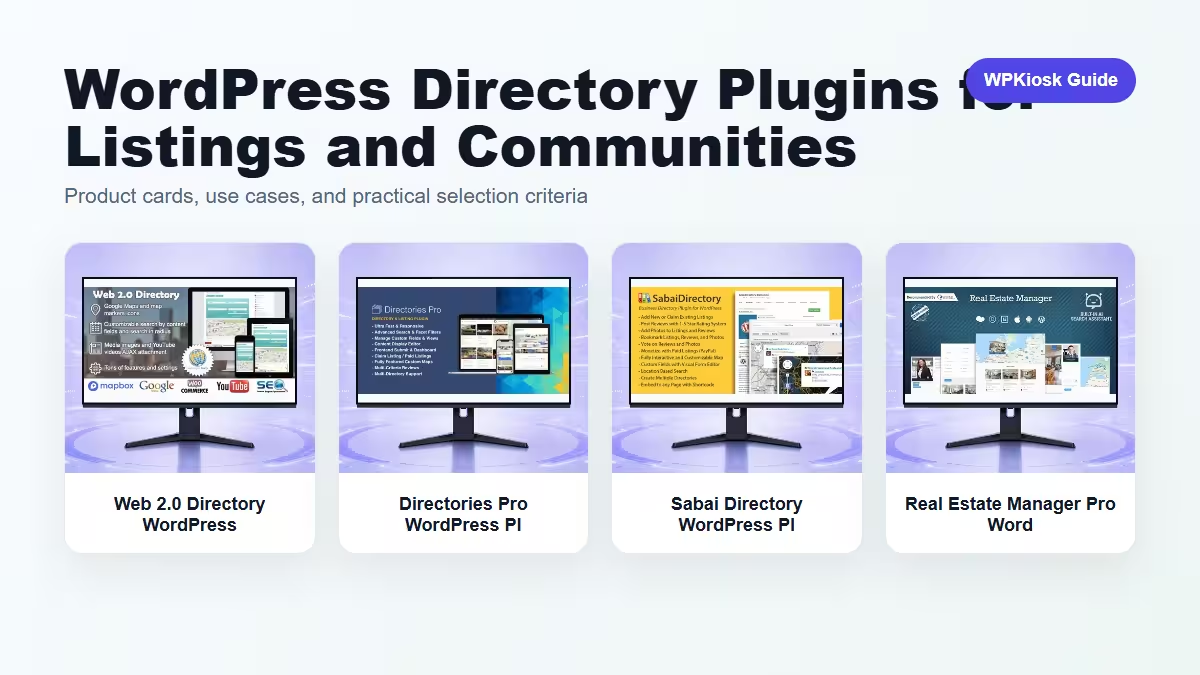
WordPress directory plugins are best when listings have structured information: location, category, contact details, filters, photos, reviews, or paid placement.
| Plugin | Best fit | Why choose it | Product |
|---|---|---|---|
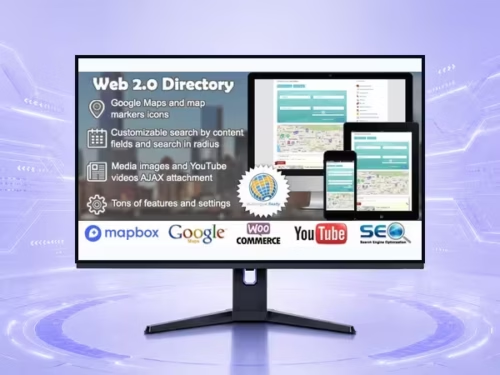
| Web 2.0 Directory WordPress Plugin – Media, Gallery, and Content Display Tools | General directory | Good for broad listing sites. | View |
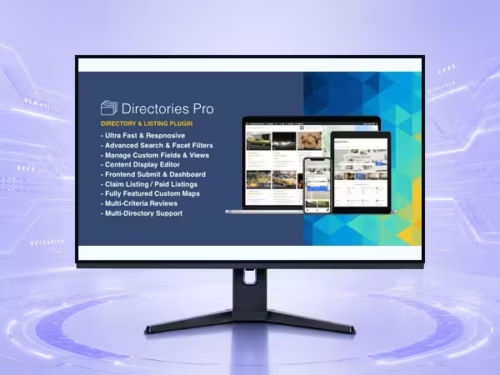
| Directories Pro WordPress Plugin – Maps, Directory, and Location Tools | Advanced directory control | Fits larger directory structures. | View |
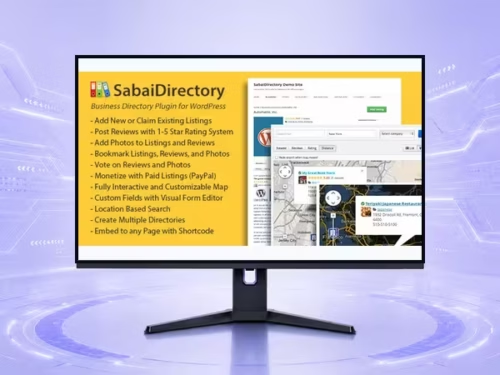
| Sabai Directory WordPress Plugin – Maps, Directory, and Location Tools | Community directory | Useful for listings with user interaction. | View |
| Real Estate Manager Pro WordPress Plugin – Maps, Directory, and Location Tools | Real estate listings | Focused on property-style structured data. | View |
Scores focus on practical site-owner decisions rather than raw feature count.
| Criteria | Web 2.0 Directory WordPress Plugin – Media, Gallery, and Content Display Tools | Directories Pro WordPress Plugin – Maps, Directory, and Location Tools | Sabai Directory WordPress Plugin – Maps, Directory, and Location Tools | Real Estate Manager Pro WordPress Plugin – Maps, Directory, and Location Tools |
|---|---|---|---|---|
| Listing structure | 8/10 | 9/10 | 8/10 | 9/10 |
| Location workflow | 7/10 | 8/10 | 7/10 | 9/10 |
| Community fit | 7/10 | 7/10 | 8/10 | 6/10 |
| Monetization fit | 7/10 | 8/10 | 7/10 | 7/10 |
| Beginner setup | 7/10 | 6/10 | 7/10 | 6/10 |
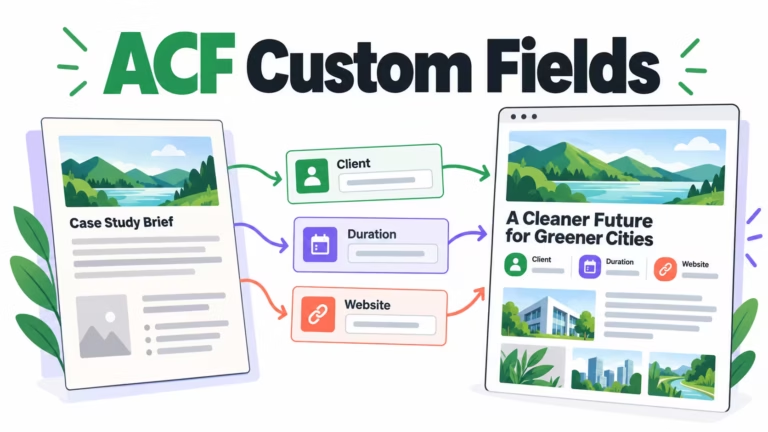
Plan listing fields before choosing a plugin. Categories, tags, locations, pricing, and contact actions shape the whole site.
Important listings should have useful, indexable pages instead of hiding all content inside map scripts.
Paid listings need moderation, renewal rules, and clear value for businesses.
Choose based on the listing type and editorial workflow, not the prettiest demo.
Start with the workflow you need to improve, then choose the plugin that solves that job with the least extra complexity.
Only when they solve different jobs. Overlapping plugins can slow the site and make maintenance harder.
Yes. The article uses WooCommerce product cards so pricing is read from the product catalog rather than hard-coded in the article.
Test mobile layout, checkout or form behavior, page speed, and any user-facing emails or notifications.
They can support SEO and UX, but rankings still depend on search intent, useful content, internal links, technical health, and trust.