WordPress Themes
275 Products
WordPress Plugins
501 Products

Shopify
0 Products

PHP Scripts
0 Products

Opencart
0 Products

Magento
0 Products

Share:
A multilingual WordPress site needs more than translated paragraphs. Visitors must be able to find the right language, follow navigation without switching back unexpectedly, and send an enquiry that your team can understand. This WPML setup guide uses a small service website as the example: an English home page, a services page, an enquiry page, and a Spanish translation of each.
The practical starting point: configure one additional language, translate one complete visitor journey, and verify it before expanding the language list. The example is a planning scenario, not a report of a benchmark or a tested customer installation.
Create a restorable backup and work on a staging copy first. Record the WordPress, PHP, theme, page builder, SEO plugin, and form plugin versions used by your site. A successful activation is not proof that every page-builder widget or form notification can be translated correctly. Give one person ownership of language review and another clear responsibility for technical issues.
Next, prepare a page inventory. For a service business, translating a home page while leaving the contact form, confirmation message, and enquiry response in the original language produces an incomplete experience. Begin with a small set of pages you can maintain. Keep a glossary for service names and product terms so translators do not rename the same offering on different pages.
Install the WPML package appropriate to your site and follow the official activation instructions for registration and add-ons. Use only credentials that belong to your site owner. Do not assume a marketplace purchase grants an individual vendor site key or access to every connected service.
During setup, confirm the existing content language rather than guessing from your admin interface language. An English dashboard can manage a Spanish website. For our example, English is the source language and Spanish is the first additional language. Adding German now would create another entire review and maintenance queue before the first route works.
If WPML is the right tool for your site’s language workflow, check the current package details on WPKiosk before purchase. This tutorial does not promise vendor account access, a license key, or translation credits as part of that listing.
Decide the URL format before you translate a large library. A language directory is usually the simplest starting point for a single-domain service site, provided the server and permalink configuration support it. Language-specific domains require additional DNS, certificate, and operational checks. They are not simply a more attractive switcher setting.
Document the decision and test a direct visit to a translated URL in a private browser. A language choice should not depend on a previous session. Avoid repeatedly changing the URL format after launch: existing bookmarks, internal links, and redirects then become part of the migration work. Consult WPML’s language URL configuration guidance for the supported formats.
| Decision | Example | Check before launch |
|---|---|---|
| First additional language | Spanish | A reviewer can approve every public page |
| Language URL format | A directory per additional language | Direct URLs and permalinks work without a saved session |
| Initial translation set | Home, services, enquiry | Navigation, form messages, and confirmation are included |
| Approval owner | Named bilingual editor | Someone reviews later source-page changes |
Start with the services page, where terminology is most important. Open its translation workflow, translate the headings and body, then review links, button labels, media text, and the form destination. Use WPML’s translation editor consistently for that content; do not casually alternate workflows when you are unsure which version will overwrite the other.
Automatic translation can create a useful first draft, but review it as editorial work. In the example, an enquiry button should communicate a request for a consultation rather than imply an immediate purchase. Preserve that distinction in the translated call to action. Check any amount, date, address, and service limitation against the original business information.
Then translate the home and enquiry pages. Follow the journey yourself: home, service, enquiry, validation message, confirmation. Ask a fluent reviewer to complete the same route without being told where to click. Their job is to evaluate meaning and navigation, not just whether all the boxes contain text.
Page content is only one layer. A footer, theme label, form error, or global button may come from a theme, plugin, or template instead of the page body. Identify where the original text lives before trying to translate it. Changing a paragraph will not translate a label supplied by a form plugin.
Review menus in each language and confirm that internal destinations resolve to the intended translated pages. An untranslated destination should be a deliberate editorial choice, not a silent fallback that surprises the reader. Test the language switcher on both desktop and mobile, including a long language name and a narrow navigation bar.
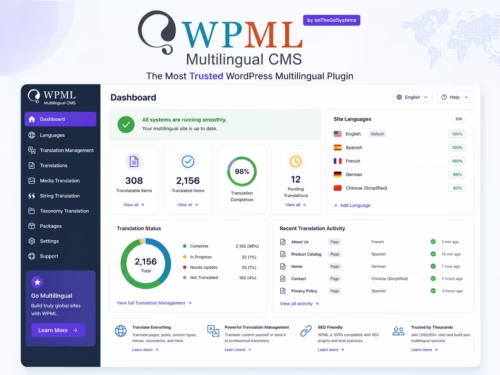
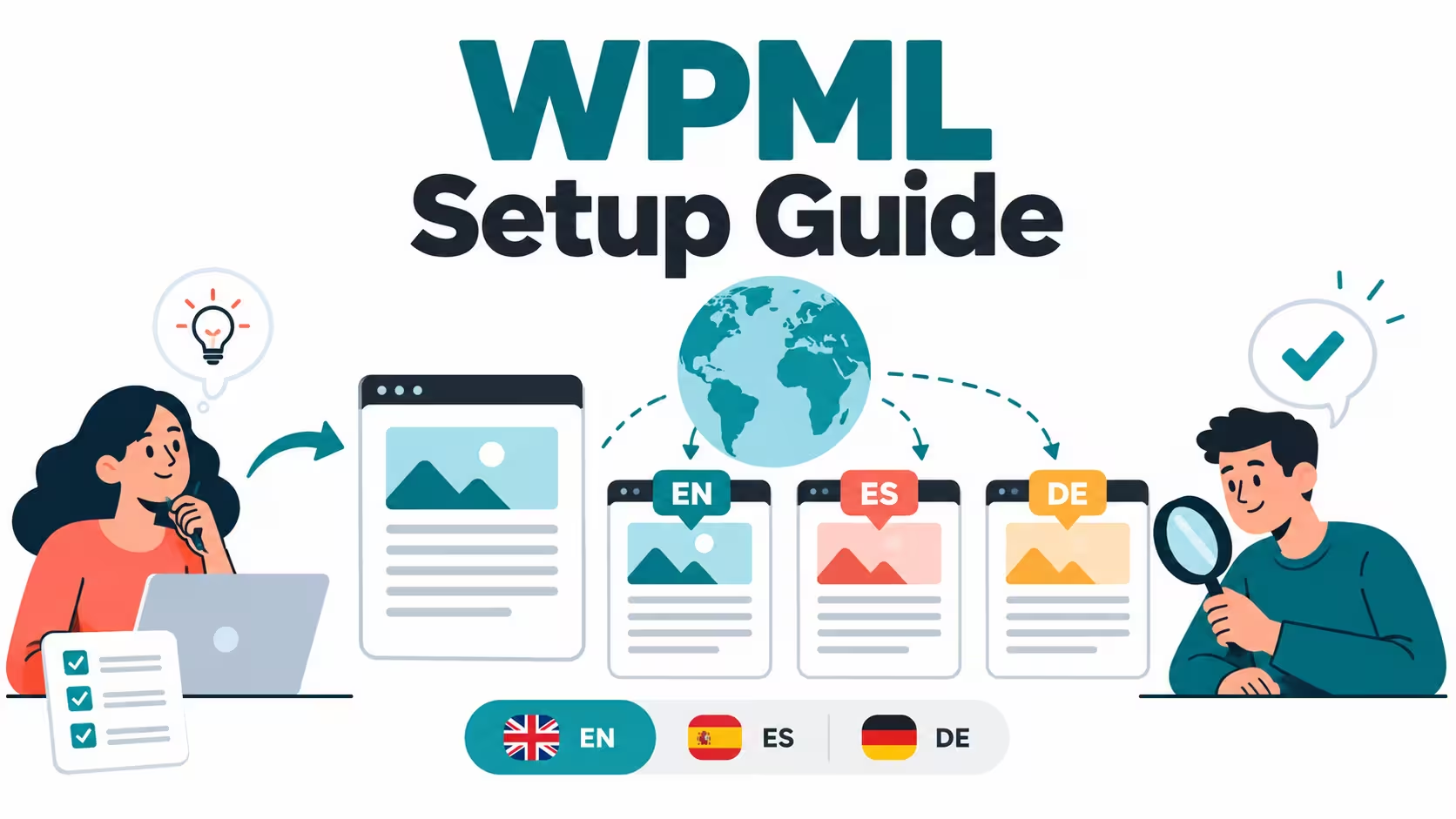
For images, translate meaningful captions and alternative text where the image context changes. Do not replace a genuine product interface with a generated illustration presented as a screenshot. The featured image for this article is an editorial illustration of the workflow, not an actual WPML settings screen.
Write a title and description that match the translated page’s actual offer. A literal translation of an English marketing phrase may be less clear than a natural description of the service. Keep the business meaning consistent without forcing the same word order into every language.
Use WPML’s multilingual SEO integration documentation for your SEO plugin. Inspect the rendered page source for its language signals, canonical URL, and robots directives. Verify these on the translated URL itself, not just the English source. Treat a clean setup as a prerequisite for search visibility, not a guarantee of indexing or ranking.
If you also need to choose an SEO plugin, our WordPress SEO plugin selection guide addresses that separate decision. Do not install multiple overlapping SEO plugins simply to translate metadata.
Check that its translation is completed and publicly available, then inspect the destination used by the translated menu. Confirm whether the link is a managed page item or a manually entered URL. Test it without a logged-in account before changing other settings.
Locate its source: page content, reusable template, theme option, or plugin string. Use the translation workflow for that source. Clear relevant caches after the change and compare a logged-out visit; do not keep editing unrelated translated paragraphs.
Compare the source and translated page, check permalinks and the selected URL format, and ask the host to investigate rewrites if the problem is server-related. Make one reversible change at a time on staging. Increasing PHP timeouts is not a diagnosis for an incorrect rewrite or a missing page.
Launch the second language only when this complete route is ready. Later, add more languages in small groups rather than multiplying unfinished pages. For multilingual stores, product data, checkout, and email introduce additional requirements; those belong in a dedicated WooCommerce workflow, not an extra checkbox in this service-site launch.
No. Start with a complete, useful visitor journey you can review and maintain. Do not publish incomplete translations merely to increase the number of language URLs.
No. Confirm the language of the existing public content. The interface language used by an administrator is a separate setting.
It can reduce drafting work, but someone still needs to approve terminology, claims, calls to action, and the full customer journey.
The label may belong to a template, theme setting, or plugin rather than the page body. Identify that source and use its supported translation workflow.
No. Relevant translated content, reliable technical signals, site quality, and actual search demand still matter. Installation does not guarantee indexing.
Do not assume that. Check the package, vendor registration, account access, support, and credit entitlements separately before planning a translation budget.