WordPress Themes
275 Products
WordPress Plugins
501 Products

Shopify
0 Products

PHP Scripts
0 Products

Opencart
0 Products

Magento
0 Products

Share:
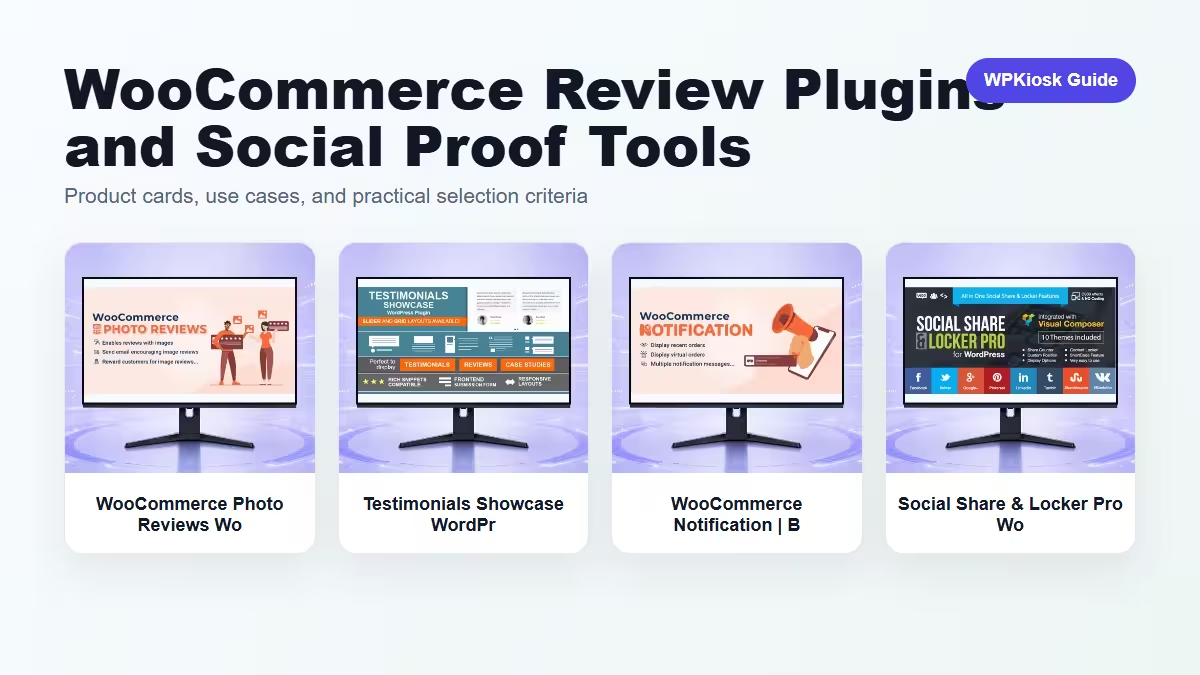
WooCommerce review and social proof plugins can help shoppers trust a product, but only when the proof feels specific, honest, and close to the buying decision.
| Plugin | Best fit | Why choose it | Product |
|---|---|---|---|
| WooCommerce Photo Reviews WooCommerce Plugin – Store Management and eCommerce Workflow Tools | Product photo reviews | Adds visual proof to product pages. | View |
| Testimonials Showcase WordPress Plugin – Media, Gallery, and Content Display Tools | Testimonials display | Works for service and brand trust sections. | View |
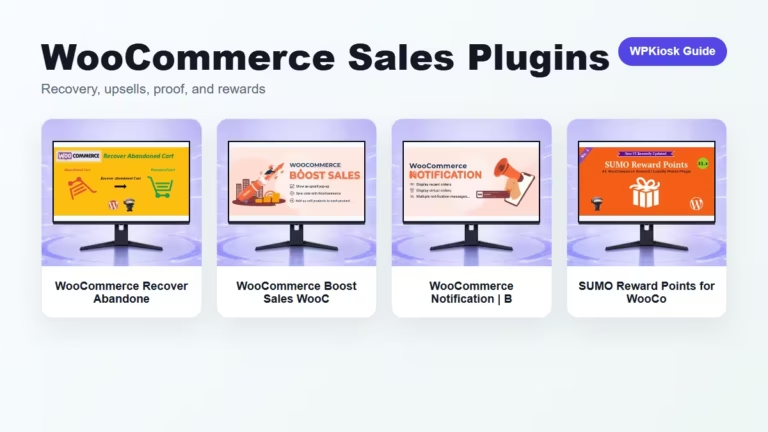
| WooCommerce Notification | Boost Your Sales WooCommerce Plugin – Store Management and eCommerce Workflow Tools | Sales notification proof | Shows activity when used honestly and sparingly. | View |
| Social Share & Locker Pro WordPress Plugin – Social Marketing and Growth Automation Tools | Social sharing and locks | Useful for campaigns and content promotion. | View |
Scores focus on practical site-owner decisions rather than raw feature count.
| Criteria | WooCommerce Photo Reviews WooCommerce Plugin – Store Management and eCommerce Workflow Tools | Testimonials Showcase WordPress Plugin – Media, Gallery, and Content Display Tools | WooCommerce Notification | Boost Your Sales WooCommerce Plugin – Store Management and eCommerce Workflow Tools | Social Share & Locker Pro WordPress Plugin – Social Marketing and Growth Automation Tools |
|---|---|---|---|---|
| Product trust | 9/10 | 8/10 | 6/10 | 5/10 |
| Campaign fit | 7/10 | 7/10 | 8/10 | 9/10 |
| Risk of annoyance | 8/10 | 8/10 | 5/10 | 6/10 |
| Mobile readability | 8/10 | 7/10 | 7/10 | 6/10 |
| Store owner setup | 7/10 | 8/10 | 8/10 | 7/10 |




Photo reviews work when shoppers need visual confidence about size, texture, packaging, or real-world use.
Testimonials build brand trust, while reviews answer product-specific doubts. Use both only when they serve different pages.
Notifications should not feel fake or constant. They work best as subtle confidence signals.
Put proof near the decision point and keep moderation standards clear.
Start with the workflow you need to improve, then choose the plugin that solves that job with the least extra complexity.
Only when they solve different jobs. Overlapping plugins can slow the site and make maintenance harder.
Yes. The article uses WooCommerce product cards so pricing is read from the product catalog rather than hard-coded in the article.
Test mobile layout, checkout or form behavior, page speed, and any user-facing emails or notifications.
They can support SEO and UX, but rankings still depend on search intent, useful content, internal links, technical health, and trust.