WordPress Themes
275 Products
WordPress Plugins
501 Products

Shopify
0 Products

PHP Scripts
0 Products

Opencart
0 Products

Magento
0 Products

Share:
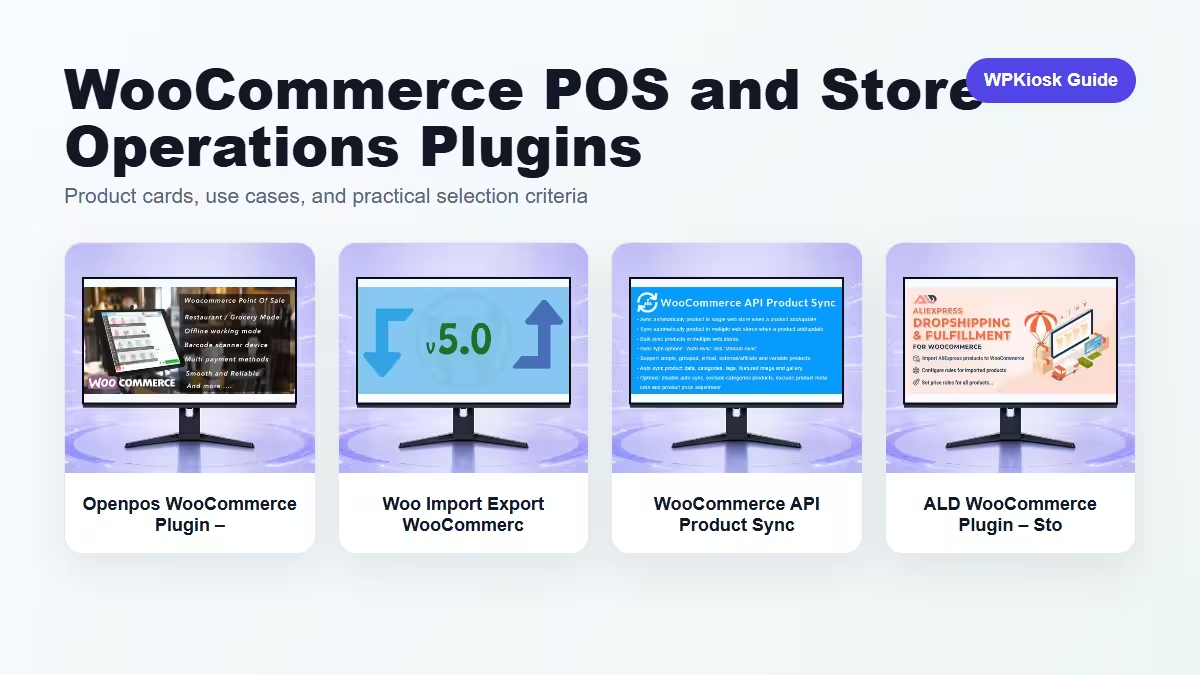
WooCommerce store operations plugins help with point of sale, product data movement, store synchronization, and operational maintenance.
| Plugin | Best fit | Why choose it | Product |
|---|---|---|---|
| Openpos WooCommerce Plugin – Store Management and eCommerce Workflow Tools | Point of sale | Connects in-person selling to WooCommerce. | View |
| Woo Import Export WooCommerce Plugin – Store Management and eCommerce Workflow Tools | Import and export | Supports catalog and order data movement. | View |
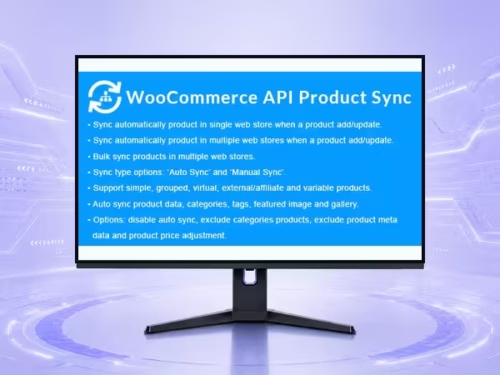
| WooCommerce API Product Sync with Multiple WooCommerce Stores (Shops) WooCommerce Plugin – Store Management and eCommerce Workflow Tools | Multi-store sync | Keeps products aligned across shops. | View |
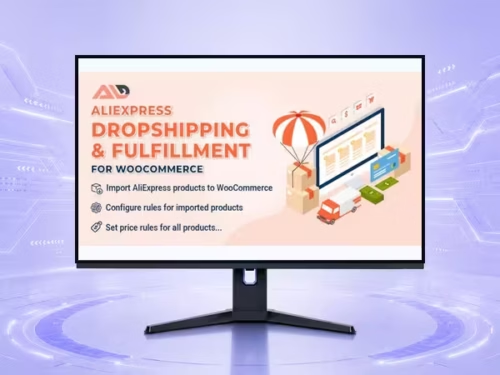
| ALD WooCommerce Plugin – Store Management and eCommerce Workflow Tools | Store operations utility | Helps with operational WooCommerce workflows. | View |
Scores focus on practical site-owner decisions rather than raw feature count.
| Criteria | Openpos WooCommerce Plugin – Store Management and eCommerce Workflow Tools | Woo Import Export WooCommerce Plugin – Store Management and eCommerce Workflow Tools | WooCommerce API Product Sync with Multiple WooCommerce Stores (Shops) WooCommerce Plugin – Store Management and eCommerce Workflow Tools | ALD WooCommerce Plugin – Store Management and eCommerce Workflow Tools |
|---|---|---|---|---|
| Operations impact | 9/10 | 8/10 | 9/10 | 7/10 |
| Catalog maintenance | 6/10 | 9/10 | 9/10 | 7/10 |
| In-person selling | 9/10 | 5/10 | 5/10 | 5/10 |
| Setup complexity | 6/10 | 7/10 | 6/10 | 7/10 |
| Long-term value | 8/10 | 8/10 | 9/10 | 7/10 |
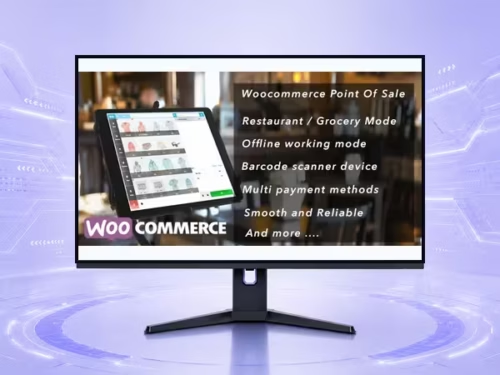
POS matters when the store sells online and in person. Inventory, receipts, taxes, and staff permissions need testing.
Import/export tools are valuable for catalog cleanup, migrations, backups, and bulk changes.
Product sync can save time, but conflicts need rules for which store is the source of truth.
Choose operations plugins by repeated admin pain, not by front-end features.
Start with the workflow you need to improve, then choose the plugin that solves that job with the least extra complexity.
Only when they solve different jobs. Overlapping plugins can slow the site and make maintenance harder.
Yes. The article uses WooCommerce product cards so pricing is read from the product catalog rather than hard-coded in the article.
Test mobile layout, checkout or form behavior, page speed, and any user-facing emails or notifications.
They can support SEO and UX, but rankings still depend on search intent, useful content, internal links, technical health, and trust.