WordPress Themes
275 Products
WordPress Plugins
501 Products

Shopify
0 Products

PHP Scripts
0 Products

Opencart
0 Products

Magento
0 Products

Share:
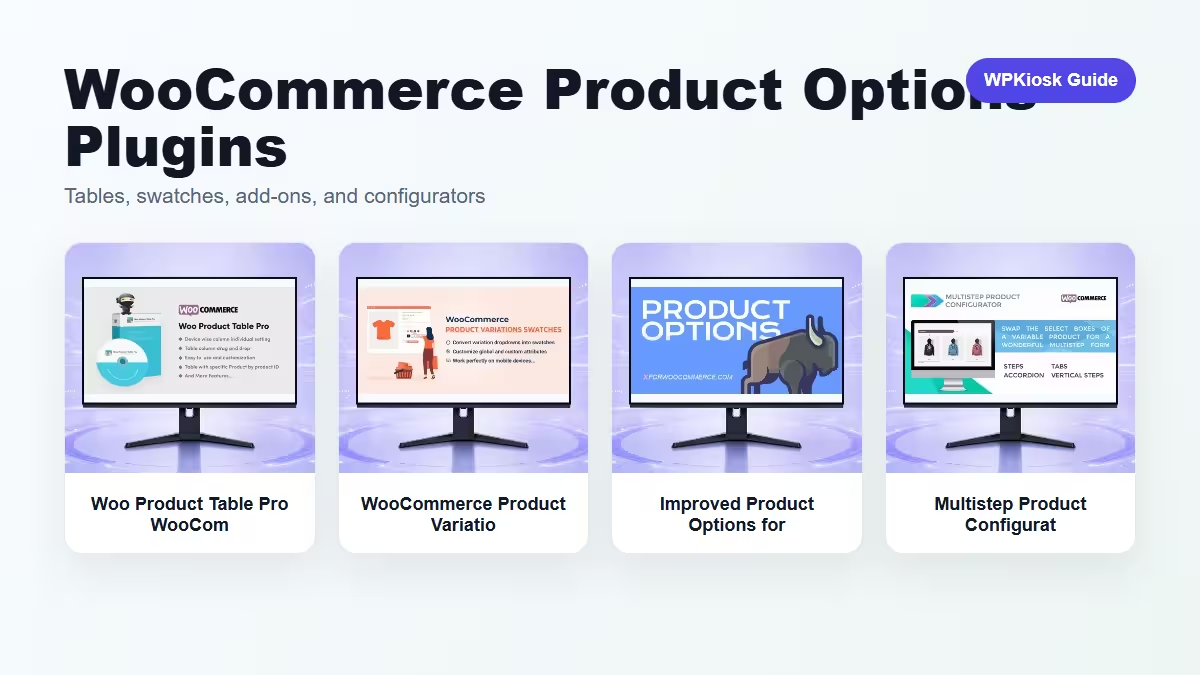
WooCommerce catalog plugins are useful when the default product page or shop grid does not explain enough. Product tables, variation swatches, extra options, and configurators all solve different catalog problems.
| Plugin | Best fit | Why choose it | Product |
|---|---|---|---|
| Woo Product Table Pro WooCommerce Plugin – Store Management and eCommerce Workflow Tools | Dense product catalogs | Turns many products into a scannable table workflow. | View |
| WooCommerce Product Variations Swatches WooCommerce Plugin – Store Management and eCommerce Workflow Tools | Visual variation choices | Makes color, size, and style choices easier to understand. | View |
| Improved Product Options for WooCommerce WooCommerce Plugin – Store Management and eCommerce Workflow Tools | Add-ons and extra product fields | Adds custom options when the base product data is not enough. | View |
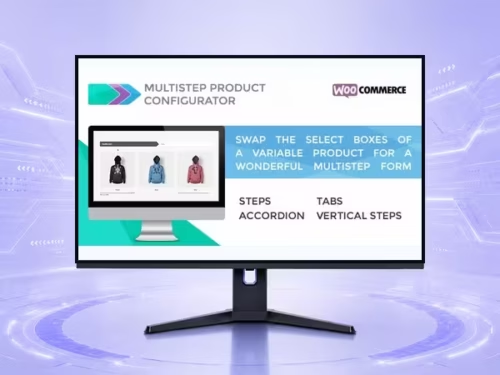
| Multistep Product Configurator for WooCommerce WooCommerce Plugin – Store Management and eCommerce Workflow Tools | Guided product configuration | Breaks complex choices into a step-by-step buying flow. | View |
Scores focus on practical catalog UX, not raw feature count.
| Criteria | Woo Product Table Pro WooCommerce Plugin – Store Management and eCommerce Workflow Tools | WooCommerce Product Variations Swatches WooCommerce Plugin – Store Management and eCommerce Workflow Tools | Improved Product Options for WooCommerce WooCommerce Plugin – Store Management and eCommerce Workflow Tools | Multistep Product Configurator for WooCommerce WooCommerce Plugin – Store Management and eCommerce Workflow Tools |
|---|---|---|---|---|
| Catalog scanning | 9/10 | 6/10 | 6/10 | 7/10 |
| Variation clarity | 6/10 | 9/10 | 7/10 | 8/10 |
| Complex product setup | 6/10 | 7/10 | 9/10 | 9/10 |
| Beginner fit | 7/10 | 8/10 | 7/10 | 6/10 |
| Mobile buying flow | 7/10 | 8/10 | 7/10 | 8/10 |



A product table is best when customers compare many similar products quickly. It is useful for wholesale lists, parts catalogs, food menus, spare parts, and stores where filtering and quantity selection matter more than large lifestyle imagery.
Variation swatches help when choices are visual or easy to scan: colors, sizes, materials, package types, or style variants. Test mobile taps carefully because swatches that look tidy on desktop can become cramped on phones.
Extra options and configurators are different from simple variations. Use them when the buyer needs engraving, upgrades, service add-ons, conditional steps, or a guided build process. Keep the choices short enough that checkout still feels close.
Start with the customer decision. If they compare many products, use a table. If they choose a visible variant, use swatches. If they add custom choices, use product options. If the order is complex, use a configurator.
The best option depends on the job: tables for dense catalogs, swatches for visual variations, add-on fields for customization, and configurators for guided selection.
No. Use native variations when they fit. Add option plugins only when the built-in product data cannot model the buying choice clearly.
They can be, but the table must scroll cleanly and avoid too many columns. Test real phones before publishing.
They can reduce confusion when choices are visual, but they need clear labels and enough tap space.
No. Configurators are best for complex products. Simple products usually convert better with fewer steps.