WordPress Themes
275 Products
WordPress Plugins
501 Products

Shopify
0 Products

PHP Scripts
0 Products

Opencart
0 Products

Magento
0 Products

Share:
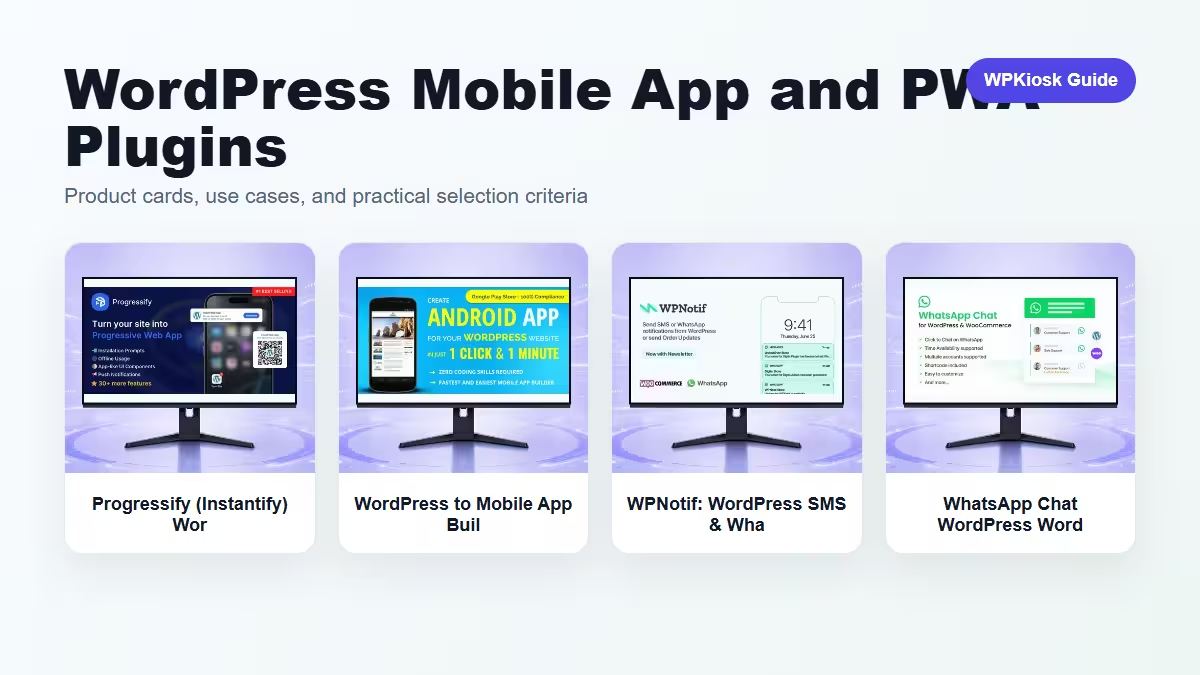
Mobile app and PWA plugins promise a closer relationship with visitors, but the experience must be useful enough to justify install prompts, notifications, or chat widgets.
| Plugin | Best fit | Why choose it | Product |
|---|---|---|---|
| Progressify (Instantify) WordPress Plugin – Form Builder and Data Collection Tools | PWA experience | Adds app-like behavior for repeat visitors. | View |
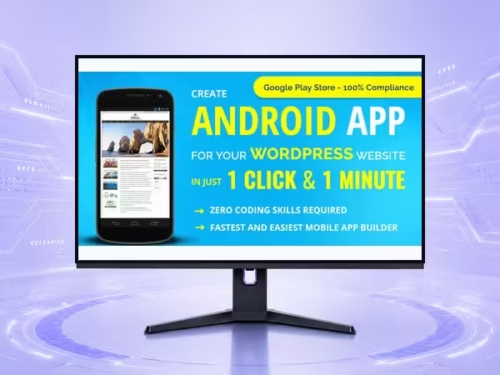
| WordPress to Mobile App Builder in 1 Click | Convert Site to App Fast | No Code WordPress Plugin – Page Builder and Front-End Layout Tools | No-code mobile app | Turns a site workflow into an app-style presence. | View |
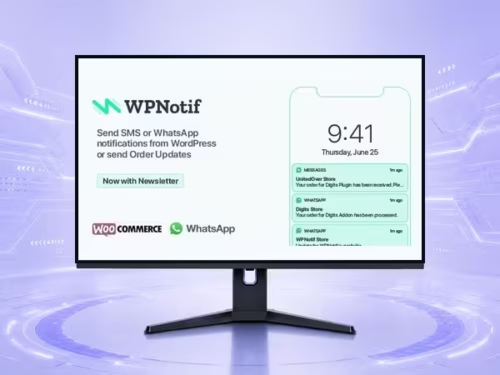
| WPNotif: WordPress SMS & WhatsApp Message Notifications WordPress Plugin – Social Marketing and Growth Automation Tools | SMS and WhatsApp notifications | Fits urgent order and customer messaging. | View |
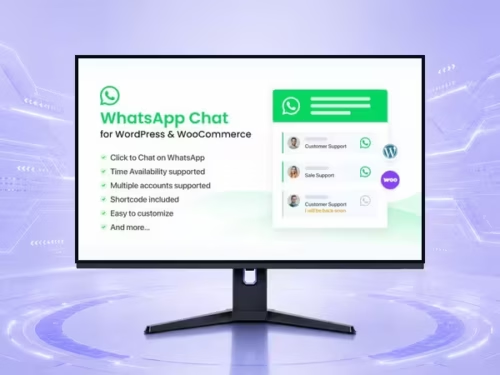
| WhatsApp Chat WordPress WordPress Plugin – Social Marketing and Growth Automation Tools | WhatsApp chat | Useful for direct pre-sale or support conversations. | View |
Scores focus on practical site-owner decisions rather than raw feature count.
| Criteria | Progressify (Instantify) WordPress Plugin – Form Builder and Data Collection Tools | WordPress to Mobile App Builder in 1 Click | Convert Site to App Fast | No Code WordPress Plugin – Page Builder and Front-End Layout Tools | WPNotif: WordPress SMS & WhatsApp Message Notifications WordPress Plugin – Social Marketing and Growth Automation Tools | WhatsApp Chat WordPress WordPress Plugin – Social Marketing and Growth Automation Tools |
|---|---|---|---|---|
| Repeat visit fit | 9/10 | 8/10 | 7/10 | 7/10 |
| Customer communication | 6/10 | 6/10 | 9/10 | 9/10 |
| Setup complexity | 7/10 | 6/10 | 6/10 | 8/10 |
| Mobile UX value | 8/10 | 8/10 | 8/10 | 8/10 |
| Risk of interruption | 7/10 | 7/10 | 6/10 | 6/10 |
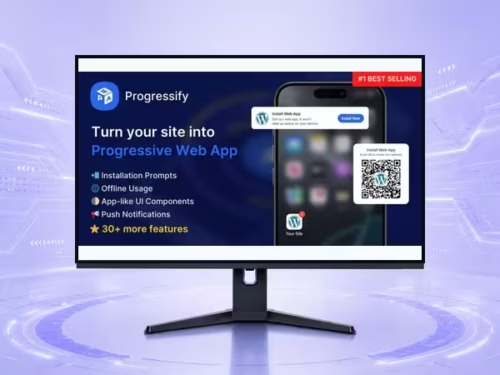
PWA features are most useful for communities, stores, publishers, dashboards, and sites visitors return to often.
An app wrapper will not fix weak content or poor mobile layout. The underlying site still needs to work well.
Messaging tools should support order updates, appointment reminders, or clear support needs, not random blasts.
Choose mobile plugins only when the visitor has a reason to come back or contact you quickly.
Start with the workflow you need to improve, then choose the plugin that solves that job with the least extra complexity.
Only when they solve different jobs. Overlapping plugins can slow the site and make maintenance harder.
Yes. The article uses WooCommerce product cards so pricing is read from the product catalog rather than hard-coded in the article.
Test mobile layout, checkout or form behavior, page speed, and any user-facing emails or notifications.
They can support SEO and UX, but rankings still depend on search intent, useful content, internal links, technical health, and trust.