WordPress Themes
275 Products
WordPress Plugins
503 Products

Shopify
0 Products

PHP Scripts
0 Products

Opencart
0 Products

Magento
0 Products

Share:
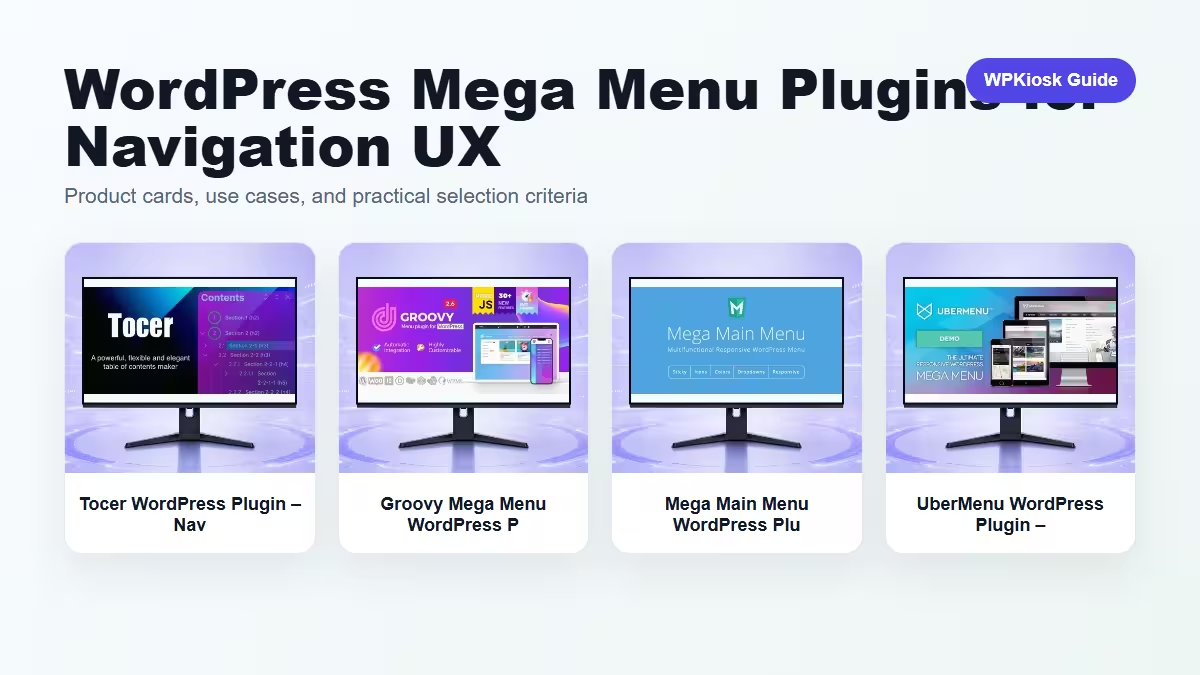
Mega menu plugins help large WordPress sites expose categories, product groups, and content hubs without forcing visitors through several clicks.
| Plugin | Best fit | Why choose it | Product |
|---|---|---|---|
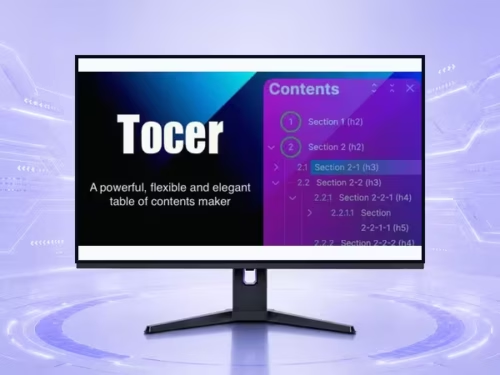
| Tocer WordPress Plugin – Navigation and Mega Menu Tools | Structured menus | Useful for content-heavy navigation. | View |
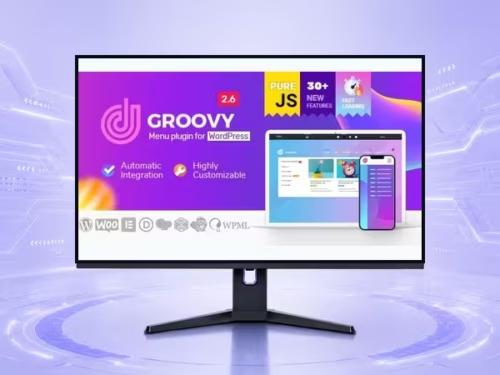
| Groovy Mega Menu WordPress Plugin – Navigation and Mega Menu Tools | Visual mega menus | Good for sites that need richer dropdown layouts. | View |
| Mega Main Menu WordPress Plugin – Navigation and Mega Menu Tools | Classic menu expansion | Fits traditional WordPress menu workflows. | View |
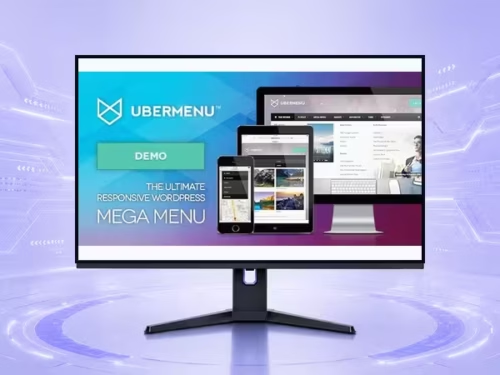
| UberMenu WordPress Plugin – Navigation and Mega Menu Tools | Advanced menu control | Strong fit for complex navigation systems. | View |
Scores focus on practical site-owner decisions rather than raw feature count.
| Criteria | Tocer WordPress Plugin – Navigation and Mega Menu Tools | Groovy Mega Menu WordPress Plugin – Navigation and Mega Menu Tools | Mega Main Menu WordPress Plugin – Navigation and Mega Menu Tools | UberMenu WordPress Plugin – Navigation and Mega Menu Tools |
|---|---|---|---|---|
| Navigation depth | 8/10 | 9/10 | 8/10 | 9/10 |
| Mobile behavior | 7/10 | 7/10 | 7/10 | 7/10 |
| Design control | 7/10 | 9/10 | 8/10 | 9/10 |
| Beginner setup | 8/10 | 7/10 | 7/10 | 6/10 |
| Content hub fit | 8/10 | 8/10 | 8/10 | 9/10 |
Mega menus work best after categories and content clusters are clear. They cannot fix a messy site structure.
Desktop mega menus need a separate mobile plan with tap targets, collapsible groups, and short labels.
Stores can use mega menus for departments, featured brands, buying guides, and product categories.
Choose the menu plugin that keeps navigation understandable on both desktop and mobile.
Start with the workflow you need to improve, then choose the plugin that solves that job with the least extra complexity.
Only when they solve different jobs. Overlapping plugins can slow the site and make maintenance harder.
Yes. The article uses WooCommerce product cards so pricing is read from the product catalog rather than hard-coded in the article.
Test mobile layout, checkout or form behavior, page speed, and any user-facing emails or notifications.
They can support SEO and UX, but rankings still depend on search intent, useful content, internal links, technical health, and trust.