WordPress Themes
275 Products
WordPress Plugins
501 Products

Shopify
0 Products

PHP Scripts
0 Products

Opencart
0 Products

Magento
0 Products

Share:
WordPress privacy plugins help with consent, policy workflows, cookie notices, and user rights, but they do not replace legal review or responsible data handling.
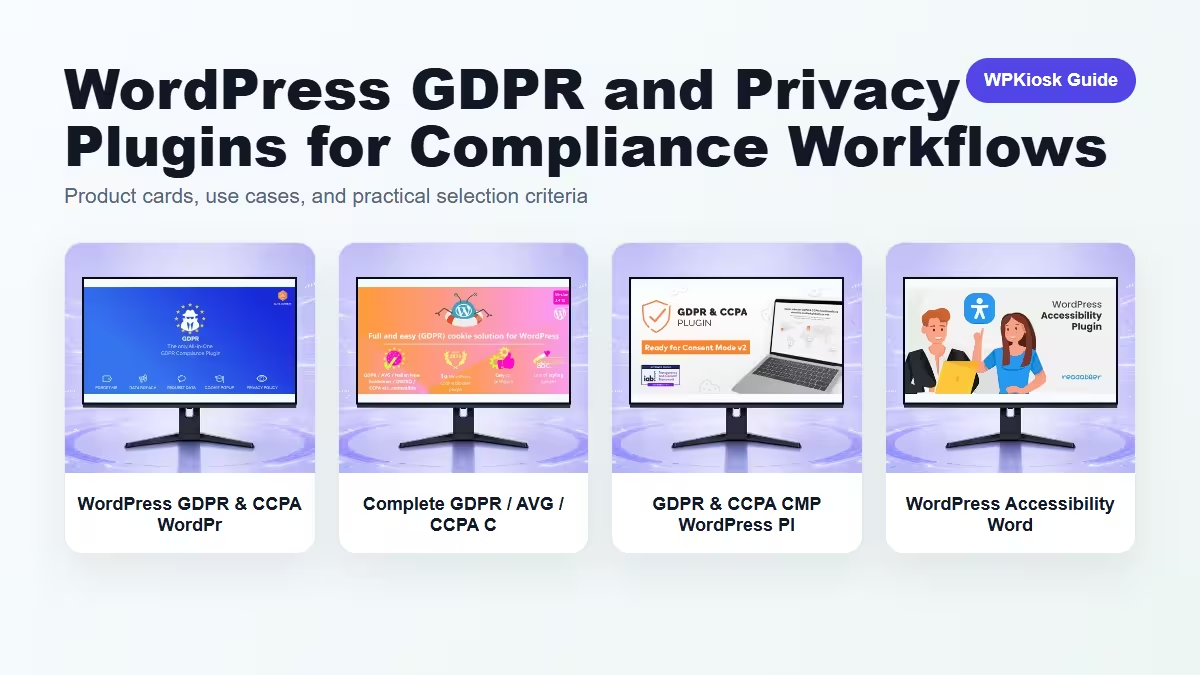
| Plugin | Best fit | Why choose it | Product |
|---|---|---|---|
| WordPress GDPR & CCPA WordPress Plugin – Security, Privacy, and Compliance Tools | GDPR and CCPA workflow | Helps manage privacy requests and consent areas. | View |
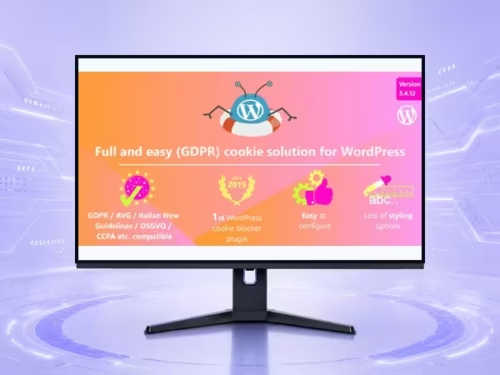
| Complete GDPR / AVG / CCPA Cookie Compliance WordPress Plugin – Security, Privacy, and Compliance Tools | Cookie compliance | Fits sites that need consent banners and policy clarity. | View |
| GDPR & CCPA CMP WordPress Plugin – Security, Privacy, and Compliance Tools | Consent management platform | Useful for more formal cookie and consent controls. | View |
| WordPress Accessibility WordPress Plugin – Security, Privacy, and Compliance Tools | Accessibility support | Improves usability and compliance-adjacent experience. | View |
Scores focus on practical site-owner decisions rather than raw feature count.
| Criteria | WordPress GDPR & CCPA WordPress Plugin – Security, Privacy, and Compliance Tools | Complete GDPR / AVG / CCPA Cookie Compliance WordPress Plugin – Security, Privacy, and Compliance Tools | GDPR & CCPA CMP WordPress Plugin – Security, Privacy, and Compliance Tools | WordPress Accessibility WordPress Plugin – Security, Privacy, and Compliance Tools |
|---|---|---|---|---|
| Privacy workflow | 9/10 | 8/10 | 9/10 | 6/10 |
| Cookie consent | 8/10 | 9/10 | 9/10 | 5/10 |
| User experience | 7/10 | 7/10 | 7/10 | 9/10 |
| Setup clarity | 7/10 | 8/10 | 6/10 | 7/10 |
| Policy support | 8/10 | 8/10 | 8/10 | 6/10 |



A plugin can help collect consent and expose settings, but it cannot decide your legal basis or data retention policy.
Consent tools should be mapped to actual analytics, ads, chat, and embedded media scripts.
Clear controls, readable notices, and keyboard-friendly interfaces help visitors understand their choices.
Start by auditing data collection, then choose tooling that matches the site risk.
Start with the workflow you need to improve, then choose the plugin that solves that job with the least extra complexity.
Only when they solve different jobs. Overlapping plugins can slow the site and make maintenance harder.
Yes. The article uses WooCommerce product cards so pricing is read from the product catalog rather than hard-coded in the article.
Test mobile layout, checkout or form behavior, page speed, and any user-facing emails or notifications.
They can support SEO and UX, but rankings still depend on search intent, useful content, internal links, technical health, and trust.