WordPress Themes
275 Products
WordPress Plugins
501 Products

Shopify
0 Products

PHP Scripts
0 Products

Opencart
0 Products

Magento
0 Products

Share:
Page builder addons can speed up design work, but too many widgets and effects can make a WordPress site harder to maintain.
| Plugin | Best fit | Why choose it | Product |
|---|---|---|---|
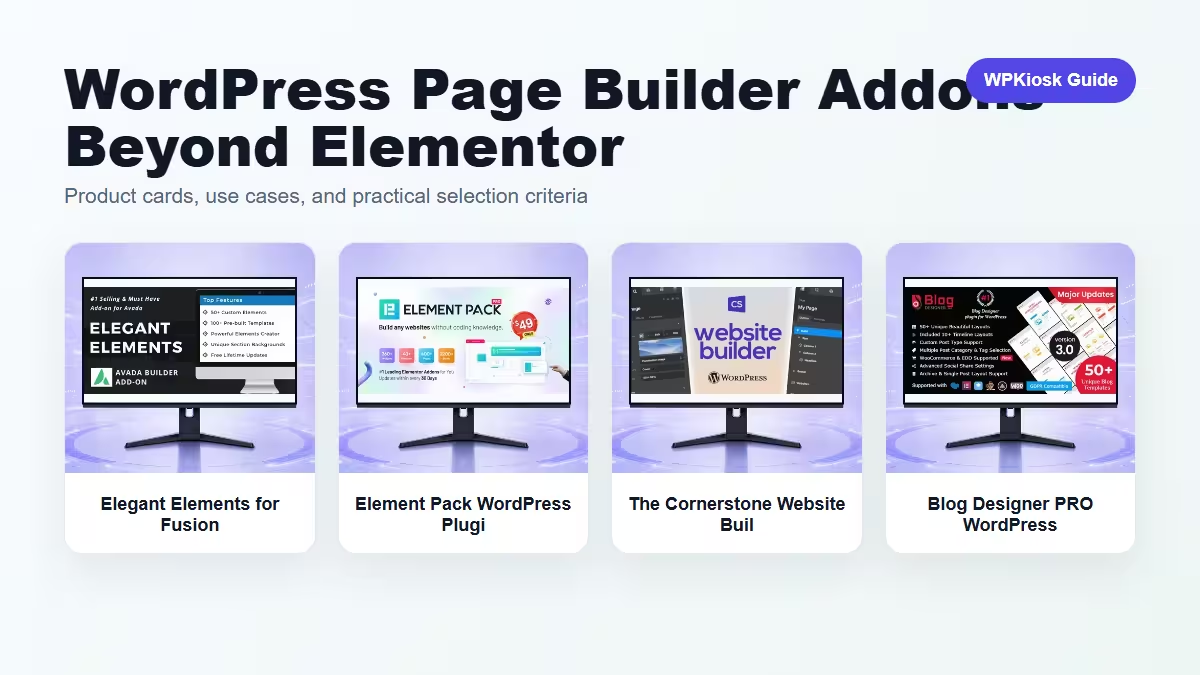
| Elegant Elements for Fusion Builder and Avada WordPress Plugin – Page Builder and Front-End Layout Tools | Avada/Fusion workflows | Adds elements for Fusion Builder and Avada sites. | View |
| Element Pack WordPress Plugin – Navigation and Mega Menu Tools | Widget expansion | Broadens builder widget choices. | View |
| The Cornerstone Website Builder WordPress Plugin – Page Builder and Front-End Layout Tools | Cornerstone sites | Fits sites built around Cornerstone. | View |
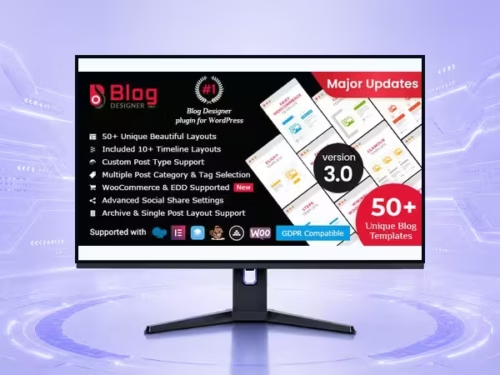
| Blog Designer PRO WordPress Plugin – Page Builder and Front-End Layout Tools | Blog layout design | Useful for content archive presentation. | View |
Scores focus on practical site-owner decisions rather than raw feature count.
| Criteria | Elegant Elements for Fusion Builder and Avada WordPress Plugin – Page Builder and Front-End Layout Tools | Element Pack WordPress Plugin – Navigation and Mega Menu Tools | The Cornerstone Website Builder WordPress Plugin – Page Builder and Front-End Layout Tools | Blog Designer PRO WordPress Plugin – Page Builder and Front-End Layout Tools |
|---|---|---|---|---|
| Builder fit | 9/10 | 8/10 | 9/10 | 7/10 |
| Widget value | 8/10 | 9/10 | 8/10 | 7/10 |
| Performance restraint | 7/10 | 6/10 | 7/10 | 8/10 |
| Client editing | 7/10 | 7/10 | 7/10 | 8/10 |
| Design flexibility | 8/10 | 9/10 | 8/10 | 8/10 |
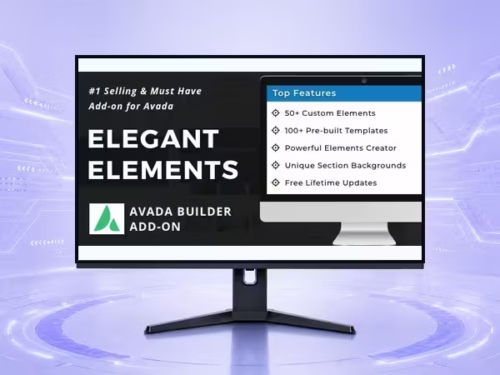
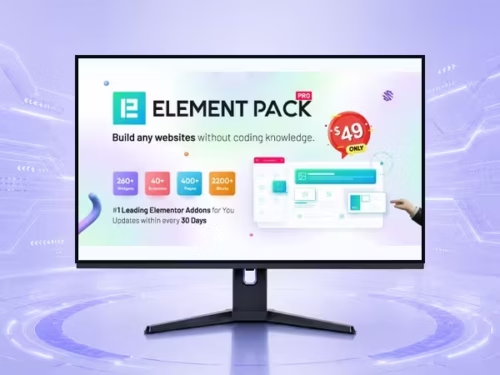
Match the addon to the builder stack already in the site. Mixing builder ecosystems usually creates maintenance trouble.
A large widget library is useful only if unused widgets can be avoided and the design system stays consistent.
Archive and blog design tools can improve content hubs when they keep headings, cards, and metadata readable.
Add one builder extension at a time and test mobile layout and Core Web Vitals after adding effects.
Start with the workflow you need to improve, then choose the plugin that solves that job with the least extra complexity.
Only when they solve different jobs. Overlapping plugins can slow the site and make maintenance harder.
Yes. The article uses WooCommerce product cards so pricing is read from the product catalog rather than hard-coded in the article.
Test mobile layout, checkout or form behavior, page speed, and any user-facing emails or notifications.
They can support SEO and UX, but rankings still depend on search intent, useful content, internal links, technical health, and trust.