WordPress Themes
275 Products
WordPress Plugins
500 Products

Shopify
0 Products

PHP Scripts
0 Products

Opencart
0 Products

Magento
0 Products

Share:
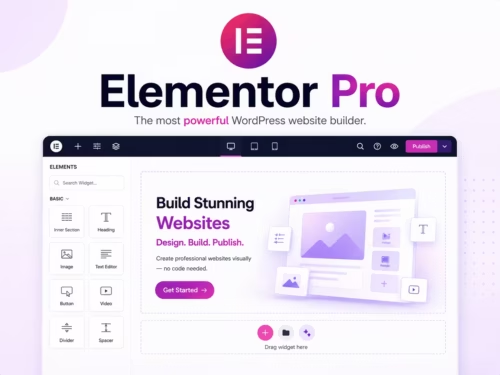
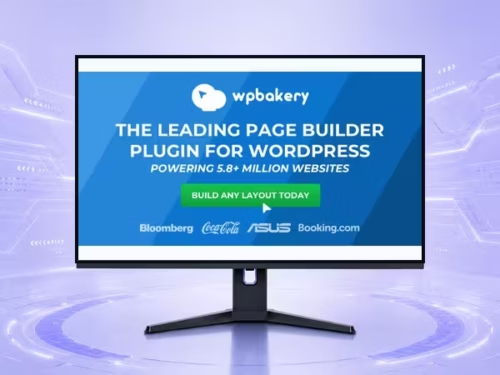
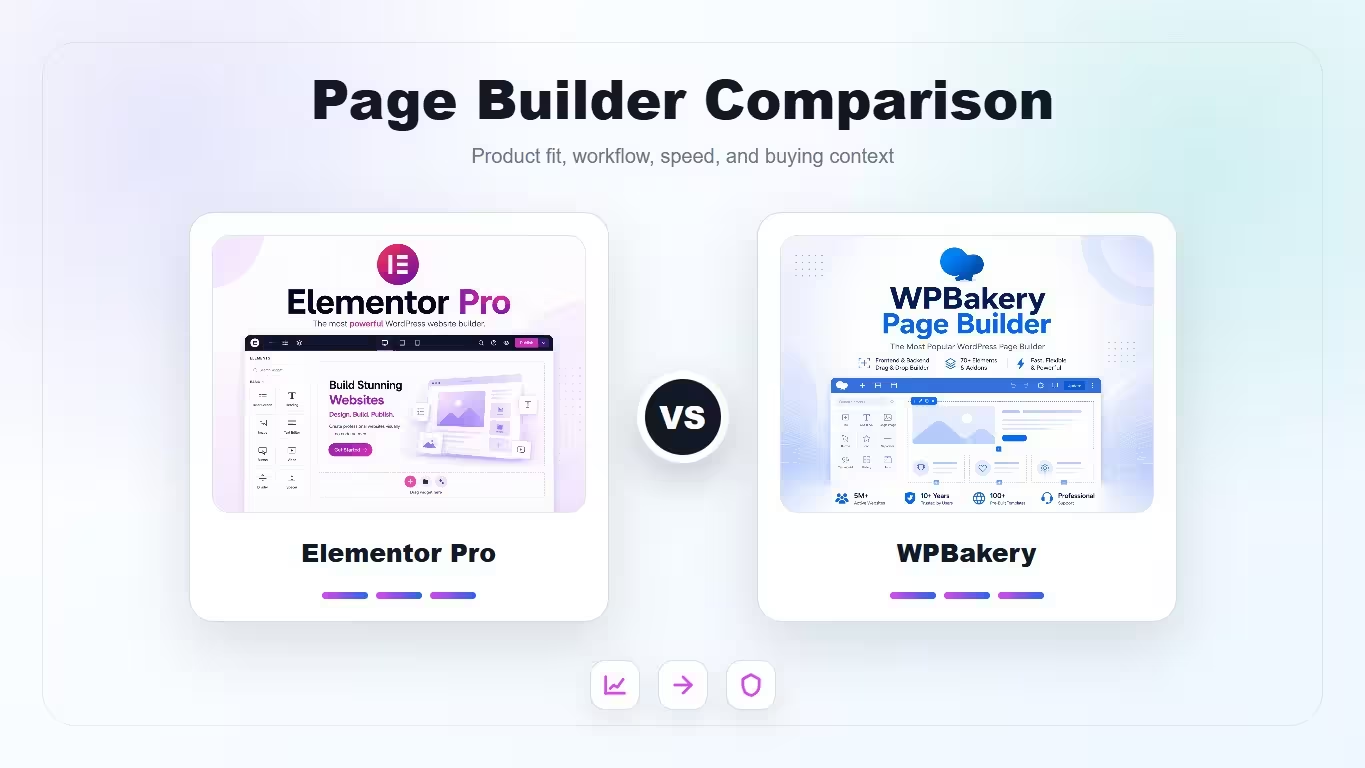
A decision-focused comparison of Elementor Pro and WPBakery for new builds, legacy sites, theme compatibility, template control, performance, and learning curve.
| Product | Best fit | Product |
|---|---|---|
| Elementor Pro | Modern visual site building | View |
| WPBakery | Legacy themes and backend layout editing | View |
The better builder depends heavily on whether this is a new build or an existing site already tied to a theme stack.
| Criteria | Elementor Pro | WPBakery |
|---|---|---|
| Modern visual workflow | 9/10 | 7/10 |
| Legacy theme compatibility | 7/10 | 9/10 |
| Template control | 9/10 | 7/10 |
| Client learning curve | 8/10 | 7/10 |
| Long-term flexibility | 8/10 | 7/10 |
Choose Elementor Pro for new visual builds where template control and a modern editing workflow matter. Choose WPBakery when the site already depends on WPBakery themes or when backend schematic editing is part of the existing content process.
Elementor Pro is more visual and front-end oriented. WPBakery offers both front-end and back-end editing, which can be useful for structured pages where editors prefer seeing rows and modules as a content map.
Elementor works well with many modern themes and theme-builder workflows. WPBakery is deeply embedded in many ThemeForest-era themes, which makes it practical for maintaining older sites without rebuilding the design system.
Elementor Pro is stronger when you want to manage headers, footers, archive templates, single templates, forms, and WooCommerce layouts in one builder workflow.
Neither builder should be treated as automatically lightweight. The final speed depends on template discipline, widget count, third-party add-ons, image weight, fonts, and how much motion is loaded above the fold.
Elementor is easier for new freelancers and clients to understand quickly. WPBakery may feel less modern, but it can be faster for teams already used to its row-and-module model.
Usually yes. Elementor Pro is better suited to modern visual building, template control, and client-friendly editing on new projects.
Choose WPBakery when the site already uses a WPBakery-based theme or when rebuilding the whole design system would be more expensive than maintaining the current workflow.
Elementor Pro is usually easier for clients because the visual editing model is more direct. WPBakery can still work well for teams used to backend rows and modules.
Neither is automatically faster. A disciplined Elementor site can be fast, and a disciplined WPBakery site can be acceptable. Heavy templates and too many add-ons are the real risk.
Yes, but it is usually a rebuild rather than a clean conversion. Plan template recreation, shortcode cleanup, and mobile layout testing.