WordPress Themes
275 Products
WordPress Plugins
500 Products

Shopify
0 Products

PHP Scripts
0 Products

Opencart
0 Products

Magento
0 Products

Share:
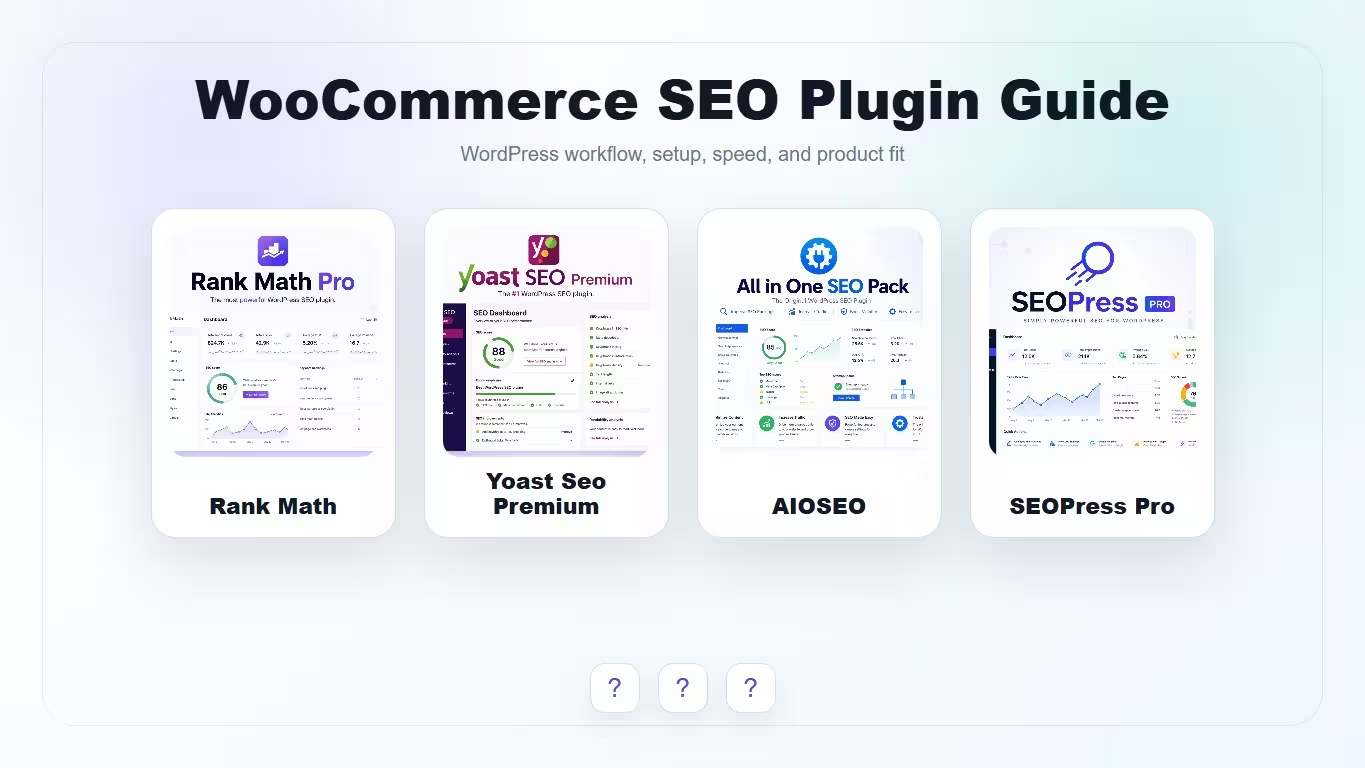
The best WordPress SEO plugin for WooCommerce is not simply the plugin with the longest feature list. A store needs clean product metadata, accurate schema, category-page control, indexing discipline, and a workflow that your team can actually follow every time a new product or buying guide is published.
| Plugin | Best WooCommerce fit | Why choose it | Product |
|---|---|---|---|
| Rank Math | Hands-on store owners who want deeper SEO controls | Strong schema workflow, redirects, sitemap controls, and content optimization modules. | View |
| Yoast SEO Premium | Editorial teams and store blogs that want familiar guidance | Clear SEO/readability checks and a workflow many WordPress writers already understand. | View |
| All in One SEO | Store owners who want broad site-level SEO controls | Useful for metadata, XML sitemaps, social settings, and beginner-friendly site SEO management. | View |
| SEOPress Pro | Users who prefer a cleaner interface and practical SEO modules | Good fit for schema, XML sitemaps, metadata, and a less noisy SEO workflow. | View |
These scores focus on WooCommerce product, category, schema, and store-content workflows. They are not universal ratings; they show which plugin fits which type of store owner.
| Criteria | Rank Math | Yoast SEO Premium | All in One SEO | SEOPress Pro |
|---|---|---|---|---|
| WooCommerce product metadata | 9/10 | 8/10 | 8/10 | 8/10 |
| Schema and rich result control | 9/10 | 8/10 | 8/10 | 8/10 |
| Category page SEO workflow | 8/10 | 8/10 | 8/10 | 8/10 |
| Editorial simplicity | 7/10 | 9/10 | 8/10 | 8/10 |
| Technical SEO flexibility | 9/10 | 7/10 | 8/10 | 8/10 |
| Best for growing stores | 9/10 | 8/10 | 8/10 | 8/10 |
Use the product cards below to compare the current WPKiosk product pages and live WooCommerce prices. The article table intentionally does not hard-code prices, so price changes in WooCommerce do not make the editorial content stale.
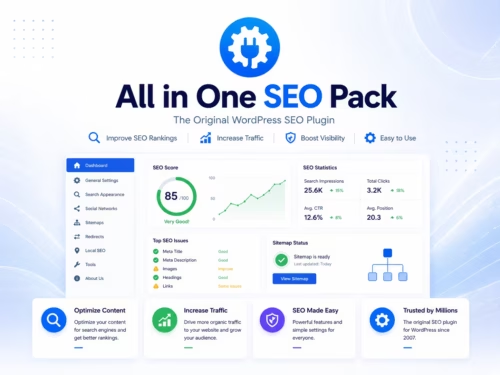
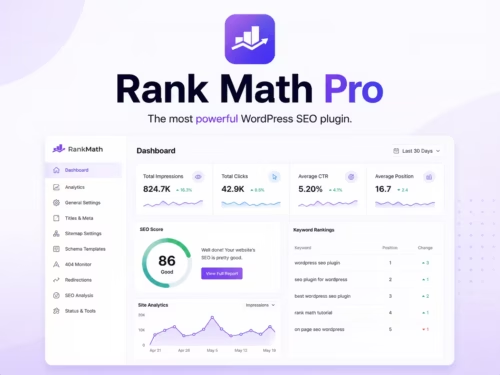
Rank Math is the strongest fit when a WooCommerce store also operates like a content site. If you publish buying guides, product comparisons, tutorials, and support articles, Rank Math gives you enough technical control to connect those assets to product and category pages.
The main reason to choose Rank Math is control. It is useful for product schema decisions, sitemap cleanup, redirects after URL changes, and content optimization checks. That matters on a store where product pages, product categories, blog posts, and comparison articles all need to support each other.
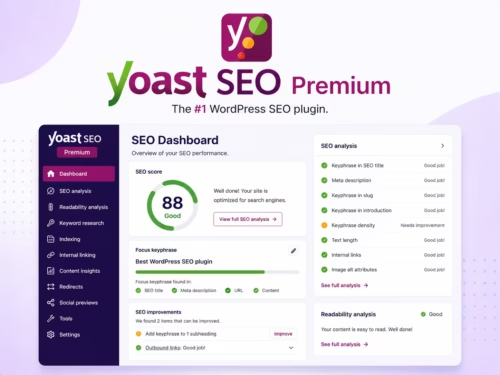
Yoast SEO Premium is better when the store has writers or editors who need a familiar content workflow. The plugin is especially useful for stores that publish a lot of educational content around their products and want simple guardrails for titles, meta descriptions, internal links, and readability.
Yoast is not always the deepest technical option, but it is easy to explain. For many store teams, that matters more than having every advanced setting available. If non-technical users write product guides, landing pages, and blog posts, Yoast can keep the editorial process consistent.
All in One SEO is a practical option for store owners who want broad SEO controls without building a complicated stack. It can cover metadata, XML sitemaps, social settings, and general site SEO workflows in a way that feels approachable for many users.
It is a good candidate when the owner manages the store directly and wants one plugin to handle the basics across product pages, blog posts, and important landing pages. It may not be the most distinctive option for advanced content teams, but it can be a good fit for straightforward WooCommerce sites.
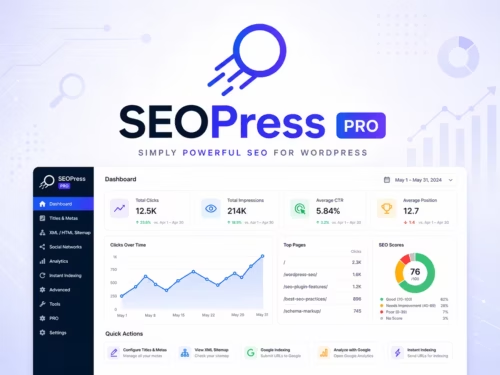
SEOPress Pro is worth considering if you want a cleaner interface and practical SEO controls without a heavy editorial feel. It can fit stores where the owner wants schema, XML sitemap, metadata, and technical settings but does not want a dashboard that feels too busy.
The best reason to choose SEOPress Pro is workflow preference. If Rank Math feels too module-heavy and Yoast feels too editorial, SEOPress can sit in the middle for users who want control with a calmer interface.
Category pages can rank when they satisfy a real search intent. A strong category page should have useful products, clean filters, helpful copy, and internal links from related guides. A thin category page with only a few products and no context usually does not deserve indexation.
For WPKiosk-style product content, the strongest pattern is to connect tutorials, reviews, comparisons, and best-of guides back to relevant product and category pages. That helps users move naturally from research to product selection.
Schema is useful only when it reflects the real page. Product schema should match visible product information. FAQ schema should only be used when the page has real FAQ content. Review or rating markup should not be added casually if the page does not support it with visible, valid review information.
For most stores, the safest approach is to get the basics right first: product name, description, image, price, availability, breadcrumbs, and clean canonical behavior. Advanced schema is helpful, but inaccurate schema creates risk.
Choose Rank Math if you want the strongest technical control and a content-cluster workflow around your WooCommerce store. Choose Yoast SEO Premium if your store depends on writers and editors who need familiar guidance. Choose All in One SEO if you want broad, beginner-friendly controls. Choose SEOPress Pro if you prefer a cleaner, quieter interface with practical SEO modules.
Rank Math is often the best fit for deeper WooCommerce SEO control, while Yoast SEO Premium is better for familiar editorial workflows. All in One SEO and SEOPress Pro are also worth considering if their interface fits your store better.
Most WooCommerce stores benefit from one SEO plugin to manage metadata, schema, sitemaps, social previews, and product-page optimization. The key is to use one main SEO plugin, not several overlapping plugins.
Only index category pages that have real search intent, useful products, and enough supporting copy to deserve traffic. Thin or duplicate categories can make the site harder for search engines to understand.
No. Schema helps search engines understand the page, but eligibility and display depend on Google, page quality, policy compliance, and whether the structured data matches visible content.
They can help with canonical settings, metadata, and indexing rules, but product descriptions, category structure, internal links, and content uniqueness still need manual planning.