WordPress Themes
275 Products
WordPress Plugins
500 Products

Shopify
0 Products

PHP Scripts
0 Products

Opencart
0 Products

Magento
0 Products

Share:
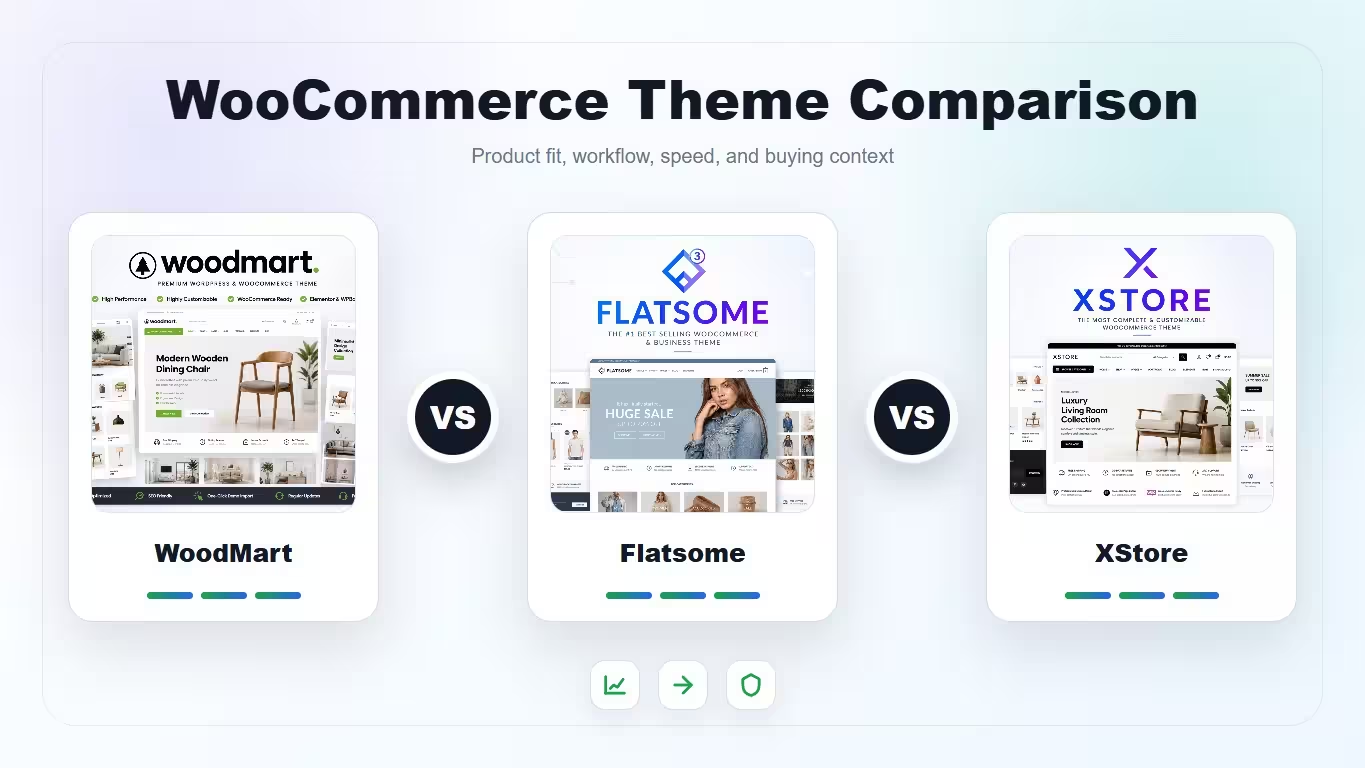
A decision-focused comparison of WoodMart, Flatsome, and XStore for WooCommerce stores, with recommendations by catalog type, builder workflow, and mobile shopping experience.
| Product | Best fit | Product |
|---|---|---|
| WoodMart | Feature-rich WooCommerce catalogs | View |
| Flatsome | Stable WooCommerce stores with UX Builder | View |
| XStore | Demo-led WooCommerce launches | View |
Scores are based on store-building fit. A lower score does not mean bad; it usually means the theme needs more careful setup for that criterion.
| Criteria | WoodMart | Flatsome | XStore |
|---|---|---|---|
| Catalog filters | 9/10 | 7/10 | 8/10 |
| Builder workflow | 8/10 | 8/10 | 8/10 |
| Mobile shopping UX | 8/10 | 8/10 | 7/10 |
| Performance discipline | 7/10 | 8/10 | 7/10 |
| Setup speed | 7/10 | 8/10 | 9/10 |
Choose WoodMart for feature-rich product catalogs, Flatsome for a stable WooCommerce-centered workflow with UX Builder, and XStore when you want many demos and built-in store features from the start.
WoodMart is the strongest choice when filters, variations, quick view, and catalog browsing are central to the store. Flatsome is clean and proven for classic shops. XStore gives many options, but the final quality depends on choosing a focused demo and pruning unused features.
Flatsome uses its own UX Builder, which keeps the design system inside the theme. WoodMart works with Gutenberg, Elementor, and WPBakery, giving more builder flexibility. XStore supports Elementor and WPBakery and leans heavily into prebuilt layouts.
Test the mobile category page before anything else. Product cards, filters, sticky add-to-cart behavior, gallery swipes, and checkout clarity matter more than desktop hero sections.
Any feature-rich theme can become heavy if every demo effect is enabled. Keep fonts limited, compress product images, avoid unnecessary sliders, and test category pages as carefully as the homepage.
Pick WoodMart for complex catalogs, Flatsome for straightforward WooCommerce shops that value stability, and XStore for fast demo-led launches where the owner is willing to curate the feature set.
WoodMart is best for complex catalogs, Flatsome is best for stable WooCommerce-focused stores, and XStore is best for fast demo-led launches with many built-in options.
Flatsome and WoodMart are usually safer for mobile shopping workflows. XStore can work well too, but it benefits from careful demo selection and feature pruning.
XStore is often fastest if you want to start from a demo. Flatsome is also efficient once you understand UX Builder. WoodMart may take more tuning for complex stores.
WoodMart is the strongest choice when product filters, variations, quick view, and catalog browsing are central to the store experience.
Yes, but expect cleanup work. Builder content, theme-specific shortcodes, product templates, headers, and mobile layouts may need manual adjustment after switching.