WordPress Themes
275 Products
WordPress Plugins
500 Products

Shopify
0 Products

PHP Scripts
0 Products

Opencart
0 Products

Magento
0 Products


Share:
A practical WooCommerce theme guide focused on mobile shopping UX, catalog navigation, speed, builder compatibility, and store type instead of demo-count hype.
| Product | Best fit | Product |
|---|---|---|
| WoodMart | Feature-rich WooCommerce catalogs | View |
| Flatsome | Stable WooCommerce stores with UX Builder | View |
| XStore | Demo-led WooCommerce launches | View |
| Razzi | Clean modern store layouts | View |
| Machic | Electronics-style WooCommerce stores | View |
| Avada | Multipurpose branded sites | View |
| The7 | Flexible Elementor/WPBakery sites | View |
| BeTheme | Large template library builds | View |
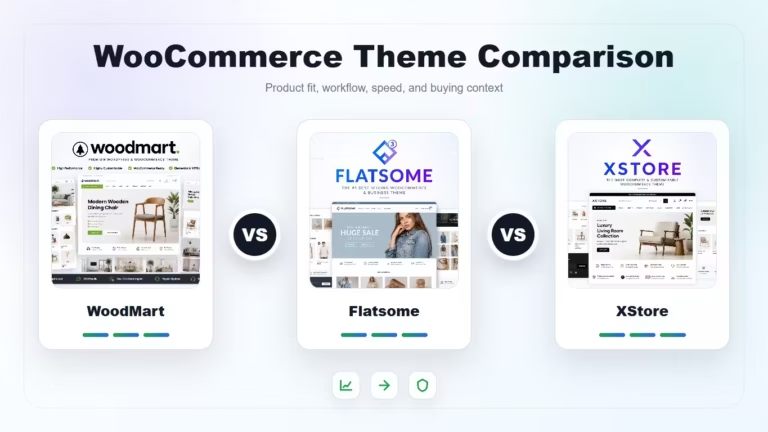
WoodMart is strong for feature-rich catalogs. Flatsome is a dependable WooCommerce-focused theme with its own UX Builder. XStore is attractive when you want many demos and built-in store features. Minimal stores may prefer cleaner themes like Razzi or a carefully configured multipurpose theme.


A theme should make product discovery easier. Look at mobile category pages, filters, quick view behavior, variation selection, product gallery, cart path, and checkout clarity before judging the homepage demo.
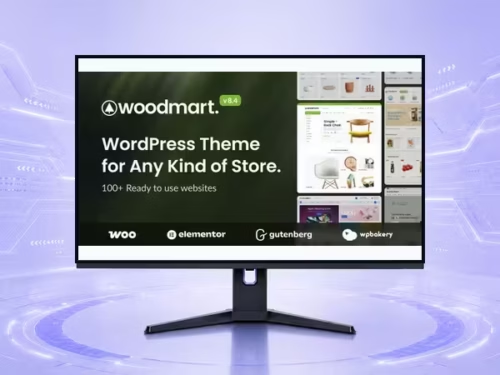
WoodMart fits stores that need AJAX filters, product variation presentation, quick interactions, and compatibility with Elementor, WPBakery, or Gutenberg workflows.
Flatsome is appealing when you want a theme built around WooCommerce and its own UX Builder. It is especially useful for store owners who want to design banners, grids, category content, and product layouts inside one theme system.
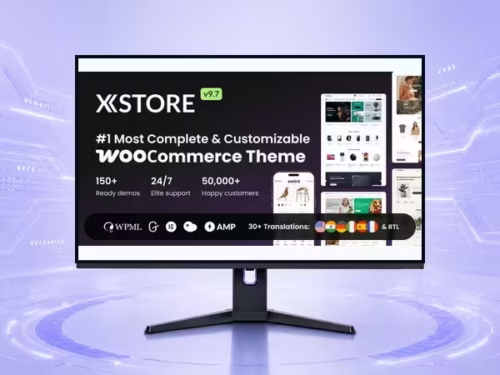
XStore suits users who want many prebuilt store concepts and a broad WooCommerce feature set. The tradeoff is that you should be disciplined about which features and plugins are actually active.
Fashion and lifestyle stores usually need strong mobile imagery and variation UX. Electronics stores need filters, comparison-ready categories, and trust blocks. Small catalogs need clarity more than animation. Marketplaces need performance testing before committing to heavy demos.
Mobile product discovery matters most: category layout, filters, product cards, variation selection, gallery behavior, cart path, and checkout clarity.
No. More demos can speed up setup, but they can also encourage unused features. Choose the demo closest to your real store and remove what you do not need.
WoodMart is a strong fit for large or feature-rich catalogs because it focuses on filters, product presentation, and shopping interactions.
Flatsome or a cleaner theme setup often works better for simple stores where speed, clarity, and straightforward product pages matter more than many effects.
Test mobile category pages, product variations, cart, checkout, search, filters, and image loading. Do not judge only the desktop homepage demo.