WordPress Themes
275 Products
WordPress Plugins
500 Products

Shopify
0 Products

PHP Scripts
0 Products

Opencart
0 Products

Magento
0 Products

Share:
The best WordPress backup plugin is the one you can restore from under pressure. Backup features matter, but restore testing, storage location, scheduling, and migration workflow matter more.
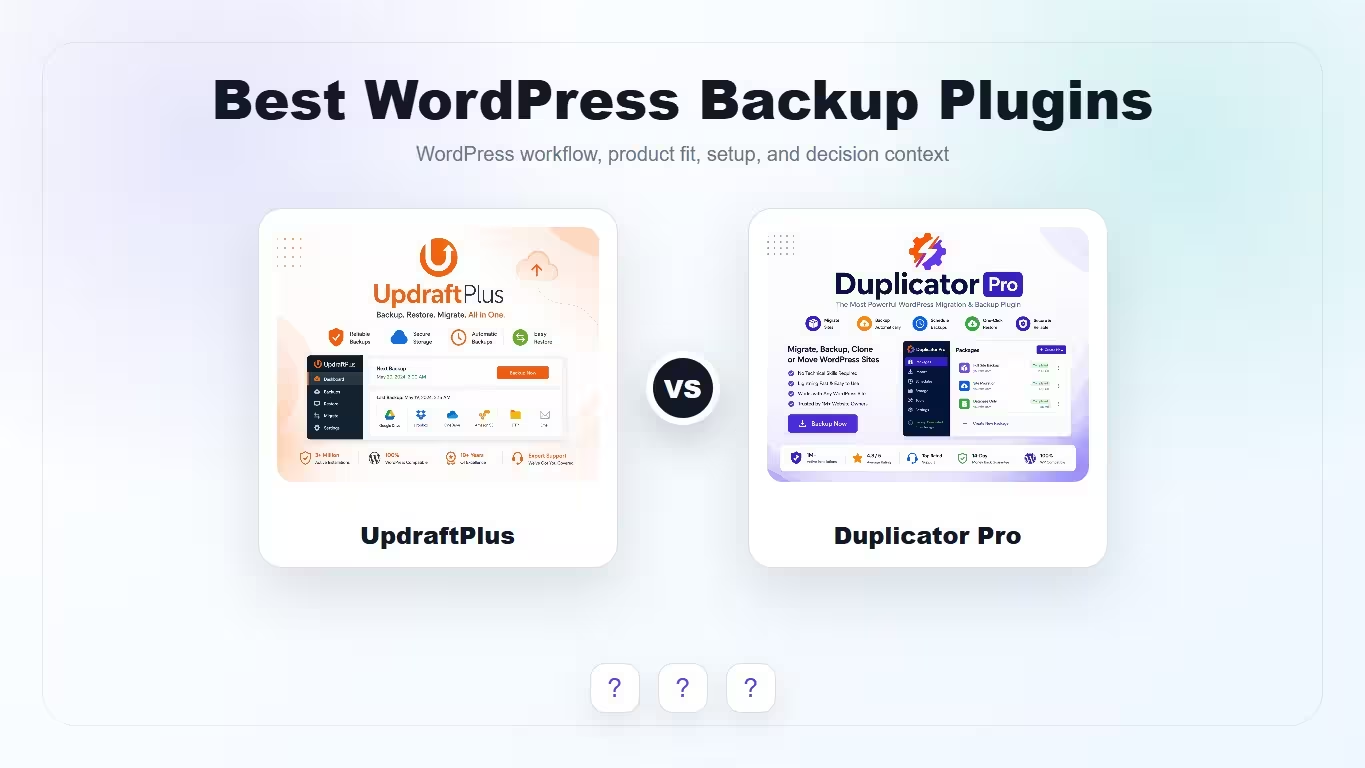
| Plugin | Best fit | Why choose it | Product |
|---|---|---|---|
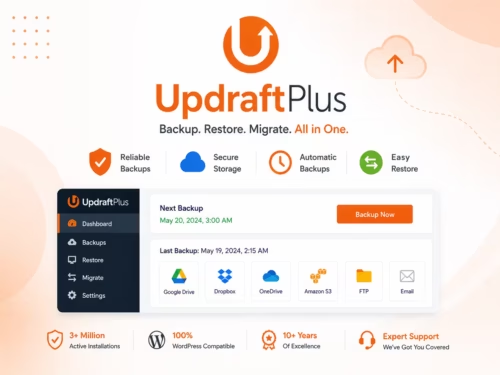
| UpdraftPlus | Scheduled backups and restores | Good fit for regular backup routines and restore confidence. | View |
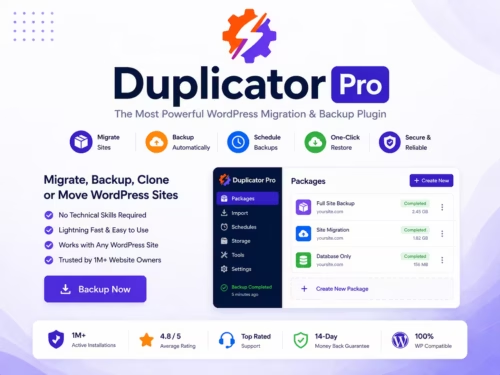
| Duplicator Pro | Migration, cloning, and packaged backups | Strong fit when moving sites between domains, hosts, or staging environments. | View |
Scores focus on practical backup and migration jobs, not generic popularity.
| Criteria | UpdraftPlus | Duplicator Pro |
|---|---|---|
| Scheduled backups | 9/10 | 8/10 |
| Restore workflow | 9/10 | 8/10 |
| Migration workflow | 7/10 | 9/10 |
| Beginner friendliness | 8/10 | 8/10 |
| Agency/staging use | 7/10 | 9/10 |
UpdraftPlus is a strong fit when your priority is recurring backups, storage integrations, and a restore process that site owners can understand. The WordPress.org listing describes backup, restore, and migration features with a large active install base.
Duplicator Pro is better when migration is the main job. It is useful for moving a site to new hosting, cloning a production site to staging, or packaging a site for deployment.
Choose UpdraftPlus for a simple recurring backup habit. Choose Duplicator Pro when migration, staging, and site packaging are the main workflow. Some agencies may use both, but most small sites should start with one reliable backup process.
UpdraftPlus is a strong choice for scheduled backups and restores, while Duplicator Pro is stronger for migrations and cloning.
No. Keep off-site backups so a server failure or infection does not destroy the backup too.
Back up active stores and membership sites daily or more often. Static brochure sites can usually use a less frequent schedule.
Yes. A backup that has never been restored is only an assumption.
Yes, but migration workflows vary. Duplicator Pro is usually better suited to packaged migrations and cloning.