Book Categories:

Wait, don't go!
Before you leave, we have a special offer just for you!
Get 20% off your next purchase.

Book Categories:






Before you leave, we have a special offer just for you!
Get 20% off your next purchase.

Share:
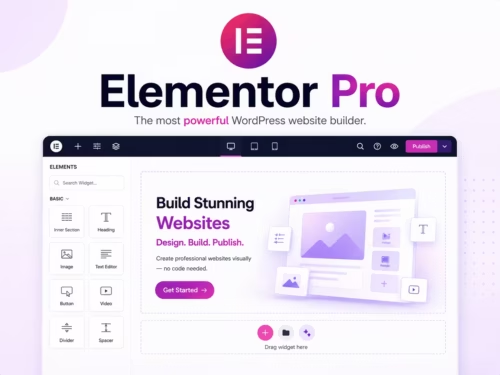
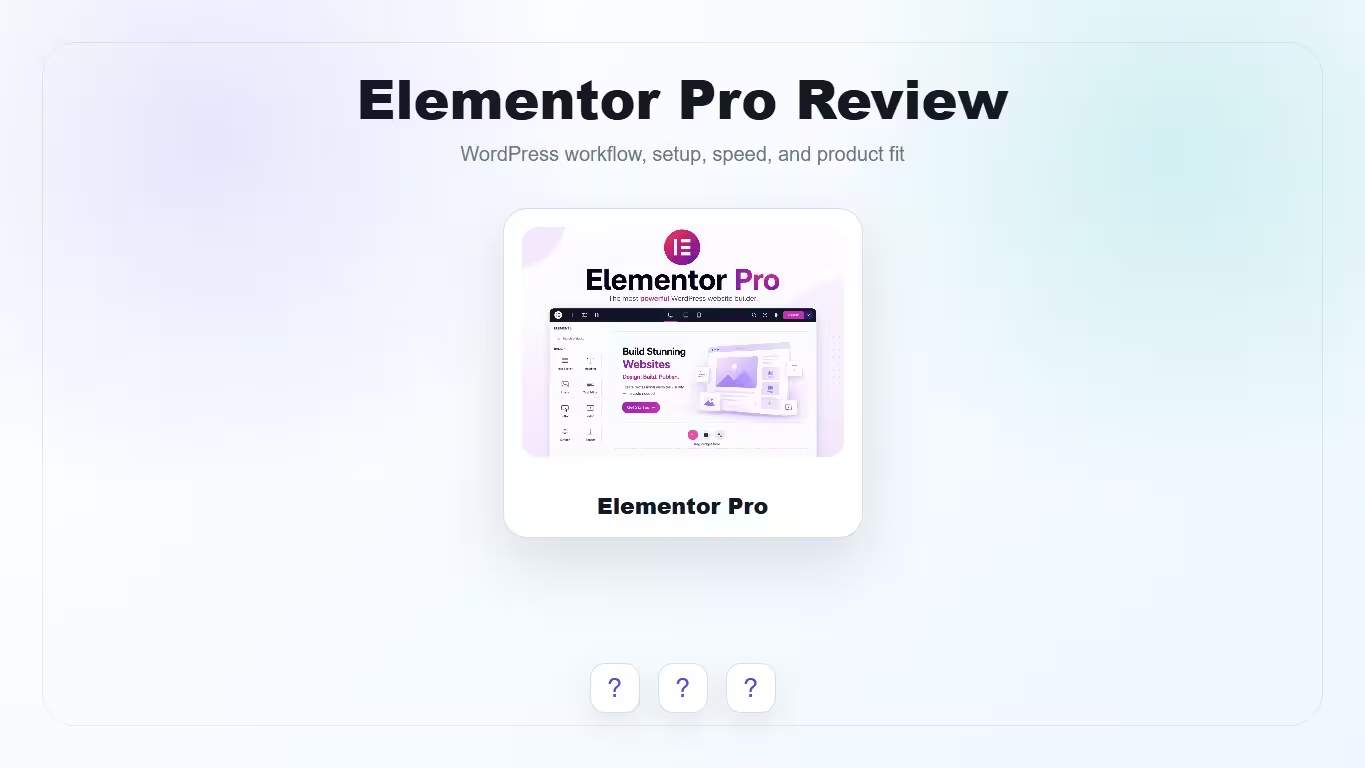
Elementor Pro is a visual WordPress builder for users who want more than page layout blocks. Its value comes from Theme Builder, templates, forms, WooCommerce Builder, dynamic content, and a workflow that many freelancers and clients already understand.
Scores reflect practical site-building workflow, not whether every site should use a page builder.
| Criteria | Elementor Pro | Why it matters |
|---|---|---|
| Visual workflow | 9/10 | Strong front-end editing and broad adoption make it easy for teams to learn. |
| Theme Builder | 9/10 | Headers, footers, archives, and templates are a major reason to choose Pro. |
| WooCommerce design | 8/10 | Good fit for stores that need custom product and shop layouts. |
| Performance discipline | 7/10 | Can be fast enough, but heavy widgets, add-ons, fonts, and animations need restraint. |
| Client usability | 8/10 | Clients often understand the visual workflow faster than backend builders. |
Elementor Pro is best for freelancers, agencies, marketers, and site owners building new WordPress sites visually. It fits landing pages, service sites, content hubs, and WooCommerce stores where the design system needs more control than the block editor alone provides.
Elementor’s official documentation highlights Theme Builder as a major Pro feature, allowing custom headers, footers, page templates, post templates, and more. This matters because it moves design control beyond individual pages.
Forms, popups, landing pages, and integrations make Elementor Pro useful for marketing sites. The risk is overbuilding: every popup, animation, and extra widget should have a clear reason.
WooCommerce Builder is useful when default product templates are not enough. Test product galleries, variations, cart behavior, mobile product cards, and checkout-adjacent templates before committing to a complex design.
Elementor Pro is not automatically slow, but it rewards restraint. Keep widget count low, avoid unnecessary add-ons, reduce font families, compress images, and test mobile templates.
WPBakery is still practical for legacy themes. Gutenberg is better for lightweight content workflows. Other builders may appeal to developers who want different performance and design tradeoffs.
Elementor Pro is worth considering when visual workflow and template control matter. It is not the best choice for every minimalist site, but it is one of the easiest builder ecosystems to standardize across client and marketing projects.
Elementor Pro is worth it when you need Theme Builder, forms, templates, WooCommerce design, and a visual workflow clients can understand.
Yes, especially when you need custom product and shop templates. Test mobile layouts and product interactions carefully.
It can if layouts are heavy. Performance depends on widgets, add-ons, images, fonts, scripts, and template discipline.
Yes for basic pages, but Pro adds Theme Builder, forms, popups, WooCommerce features, and more advanced workflow options.
Avoid it if you need the lightest possible site, prefer code-first templates, or only publish simple text-heavy content.