Book Categories:

Wait, don't go!
Before you leave, we have a special offer just for you!
Get 20% off your next purchase.

Book Categories:






Before you leave, we have a special offer just for you!
Get 20% off your next purchase.


Share:
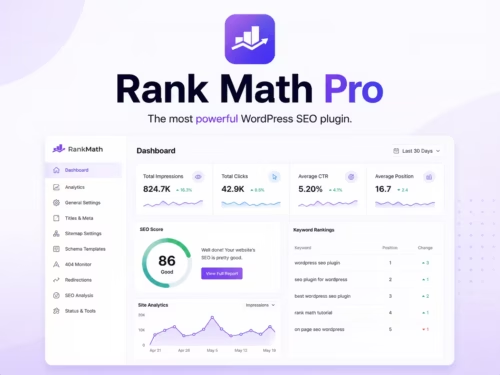
A practical Rank Math setup guide that focuses on the settings that matter first: sitemap, schema, titles, redirects, and a repeatable writing workflow.
| Product | Best fit | Product |
|---|---|---|
| Rank Math | SEO control, schema, and content workflows | View |
Decide what your site is trying to rank for. A product catalog, tutorial blog, and local service site need different default schema, title patterns, and internal link behavior. The plugin should support that plan rather than replace it.
Choose the site type, connect Search Console if you use it, and review sitemap defaults. Do not rush through title templates; these become the baseline for every post and page. Keep the brand name pattern consistent.
Include posts, pages, and products that deserve search traffic. Exclude thin archives, internal utility pages, and duplicate taxonomy pages unless they have a real purpose. A smaller clean sitemap is usually better than a huge noisy one.
Use Article schema for tutorials and reviews, Product schema for real product pages, and FAQ schema only when the FAQ adds useful answers. Do not mark every page with every possible schema type.
For every article, confirm the primary keyword, slug, title, meta description, internal links, product section, FAQ, and featured image. Rank Math can remind you, but your editorial standard should decide what passes.
If you change slugs, redirect the old URL immediately. For a growing product content site, this prevents broken internal links and keeps older backlinks useful.
Start with the setup wizard, sitemap settings, title templates, basic schema defaults, and indexing rules. Those settings affect the whole site.
Yes, if you are comfortable connecting the site. It helps keep search data closer to the WordPress workflow, but you should still use Search Console directly for deeper checks.
Avoid turning on every advanced module immediately. Redirects, schema, sitemap, and basic SEO checks are enough for most first setups.
Review settings after theme changes, permalink changes, SEO plugin migrations, or major content structure changes. For normal publishing, a quarterly check is usually enough.
Yes, but make a backup first and check titles, meta descriptions, redirects, schema, and sitemap output after migration. Do not assume every setting maps perfectly.