Book Categories:

Wait, don't go!
Before you leave, we have a special offer just for you!
Get 20% off your next purchase.

Book Categories:






Before you leave, we have a special offer just for you!
Get 20% off your next purchase.

Share:
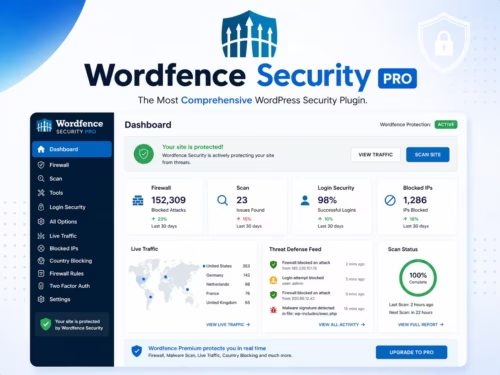
Wordfence Security Pro is a WordPress security plugin built around an endpoint firewall, malware scanner, login protection, live traffic visibility, and threat intelligence updates. It is useful when you want security monitoring inside WordPress instead of relying only on hosting controls.
| Criteria | Wordfence Security Pro | Why it matters |
|---|---|---|
| Firewall workflow | 9/10 | Endpoint firewall protection is the core reason to use Wordfence. |
| Malware scanning | 9/10 | Useful for file integrity checks and suspicious-code detection. |
| Login security | 8/10 | 2FA and login protection reduce common attack paths. |
| Ease of setup | 8/10 | Most store or blog owners can start with default scanning and firewall settings. |
| Operational discipline | 7/10 | Alerts still require someone to review and respond. |
Wordfence combines a firewall with a malware scanner. The WordPress.org listing describes an endpoint firewall, malware scanner, robust login security features, and live traffic views. That combination is useful because many WordPress attacks target vulnerable plugins, weak passwords, outdated files, or suspicious file changes.
Login security matters because compromised admin accounts can bypass many front-end protections. Use strong passwords, limit admin users, and enable two-factor authentication for privileged accounts. Wordfence can help, but account hygiene is still your responsibility.
No security plugin replaces updates, backups, server hardening, least-privilege access, or careful plugin selection. Wordfence can reduce risk and improve visibility, but a neglected site can still be compromised through vulnerable extensions, stolen credentials, or weak hosting practices.
Wordfence Security Pro is worth considering when you want a practical firewall and malware scanner directly in WordPress. It is strongest as part of a security stack, not as the only security measure.
Yes, if you want firewall, malware scanning, login protection, and security visibility inside WordPress.
No. Security and backups solve different problems. You still need reliable backups.
No plugin can stop every attack. It reduces risk and improves detection, but updates and access control still matter.
Yes, especially for stores that need login protection and malware monitoring, but test performance and alert settings.
Beginners can use it, but they should avoid ignoring alerts or enabling settings they do not understand.