
WordPress Themes
275 Products
WordPress Plugins
501 Products

Shopify
0 Products

PHP Scripts
0 Products

Opencart
0 Products

Magento
0 Products

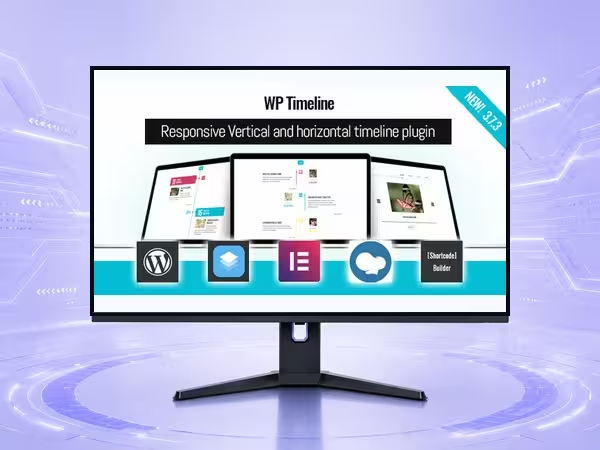
WP Timeline is a premium WordPress plugin for booking and event scheduling, helping site owners improve design & frontend workflows with practical controls and a polished setup experience.
$5.90
WP Timeline is built for WordPress site owners who need booking and event scheduling without adding unnecessary complexity. It gives design & frontend projects a focused plugin workflow for setup, control, and day-to-day management.
Use the plugin to add practical functionality while keeping the admin workflow understandable.
A good plugin should solve the job without making the site harder to operate.
Keep the plugin aligned with the rest of the WordPress stack.
WP Timeline is used to add booking and event scheduling to WordPress sites, giving site owners a more focused way to manage that workflow from the dashboard.
WP Timeline is a WordPress plugin. It adds functionality to an existing WordPress site rather than replacing the active theme.
WP Timeline is useful for site owners, agencies, and operators who need design & frontend functionality with practical controls and a smoother setup process.
Yes. WP Timeline is intended for normal WordPress plugin workflows. As with any plugin, test it with your active theme, builder, caching layer, and checkout or form flows before production use.
Start with the core settings for booking and event scheduling, test the main user journey, then enable advanced options only when they support a clear site requirement.
Only logged in customers who have purchased this product may leave a review.






Reviews
There are no reviews yet.