WordPress Themes
275 Products
WordPress Plugins
500 Products

Shopify
0 Products

PHP Scripts
0 Products

Opencart
0 Products

Magento
0 Products


Share:
A buyer guide to WordPress cache and performance plugins, separating page cache, file optimization, image optimization, and object cache instead of pretending they all do the same job.
| Product | Best fit | Product |
|---|---|---|
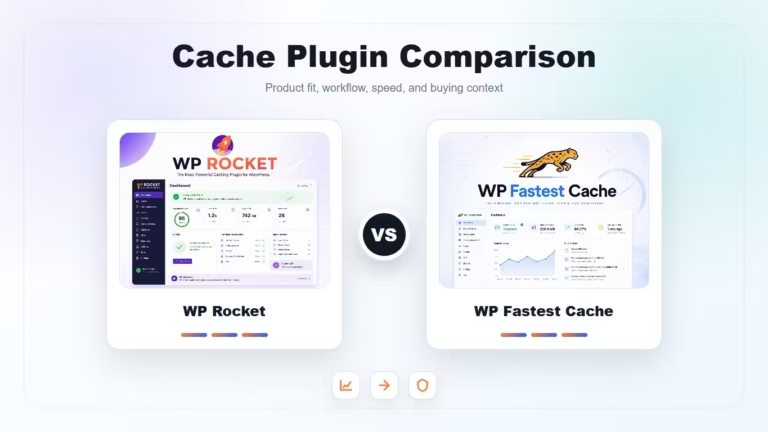
| WP Rocket | All-around cache and performance setup | View |
| WP Fastest Cache | Simple page cache on a tighter budget | View |
| WP Smush Pro | Image compression and lazy loading | View |
| Redis Object Cache Pro | Database-heavy dynamic WordPress sites | View |
For most sites, WP Rocket is the easiest all-in-one page cache and front-end optimization choice. WP Fastest Cache is a budget-friendly cache option. Smush Pro belongs in the image workflow. Redis Object Cache Pro is for database-heavy sites and hosting setups that support Redis.
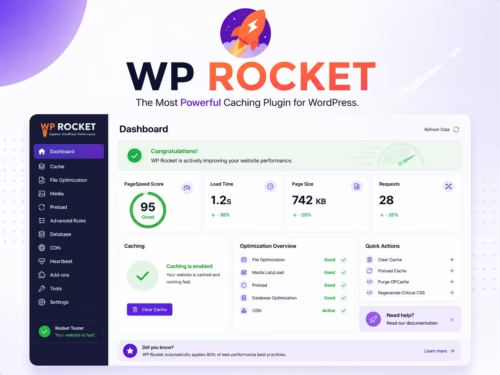
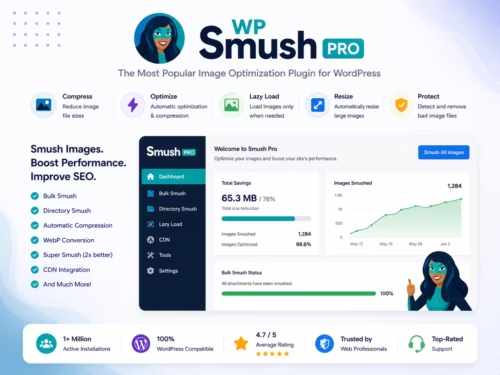
Page cache, image compression, lazy loading, asset optimization, and persistent object cache solve different bottlenecks. A slow WooCommerce store may need page cache rules, lighter images, and object cache at the same time. A small blog may only need page cache and image cleanup.
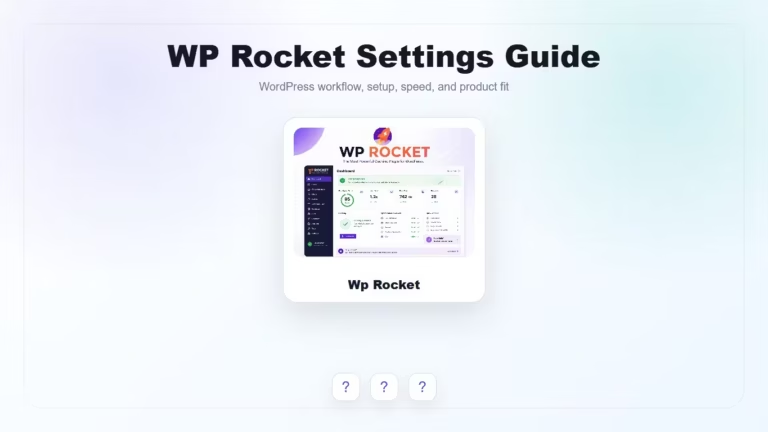
WP Rocket is a strong fit when you want cache preload, LazyLoad, file optimization, and WooCommerce-aware behavior in one interface. It is especially useful when the site owner does not want to assemble several separate performance plugins.
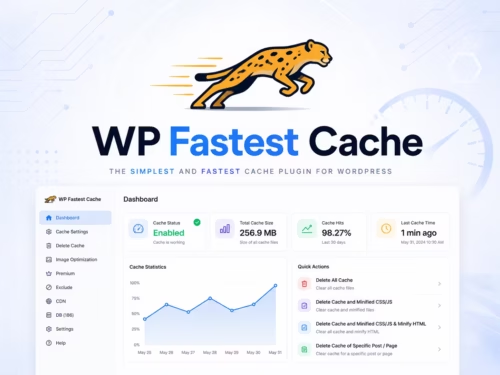
WP Fastest Cache is attractive when the goal is straightforward page caching and basic file optimization without a large setup process. Test minify settings carefully, especially if the theme or page builder already optimizes CSS and JavaScript.
Images often cause performance problems that page cache cannot fix. Smush Pro is useful when your media library has large product images, blog screenshots, or visual theme demos that need compression and lazy loading.
Persistent object cache helps when repeated database queries are a real bottleneck. It matters more on WooCommerce, membership, LMS, and large content sites than on small brochure sites.
Usually no. Use one main page cache plugin. Add separate image optimization or object cache tools only when they solve a different performance problem.
Page cache stores rendered pages for faster delivery. Object cache stores database query results and is more useful for dynamic, database-heavy sites.
Carefully. Product pages and category pages can benefit, but cart, checkout, account pages, currency behavior, and fragments need testing.
No. Image plugins reduce media weight and may add lazy loading or WebP/AVIF support. Cache plugins mainly improve page delivery and front-end assets.
Enable one feature group at a time, clear cache, and test homepage, posts, product pages, cart, checkout, and mobile navigation before turning on more settings.