Book Categories:

Wait, don't go!
Before you leave, we have a special offer just for you!
Get 20% off your next purchase.

Book Categories:






Before you leave, we have a special offer just for you!
Get 20% off your next purchase.

Share:
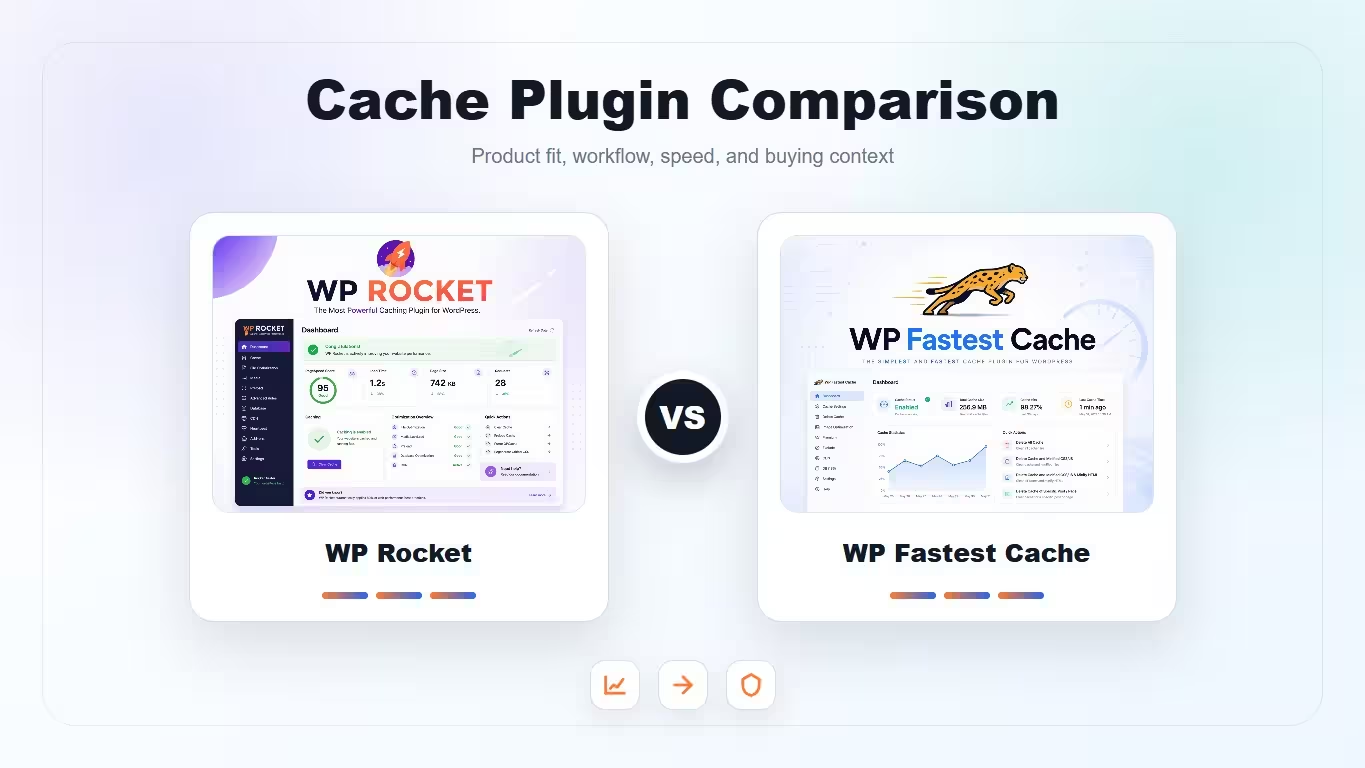
A practical comparison of WP Rocket and WP Fastest Cache for site owners choosing between fuller automation and a leaner cache setup.
| Product | Best fit | Product |
|---|---|---|
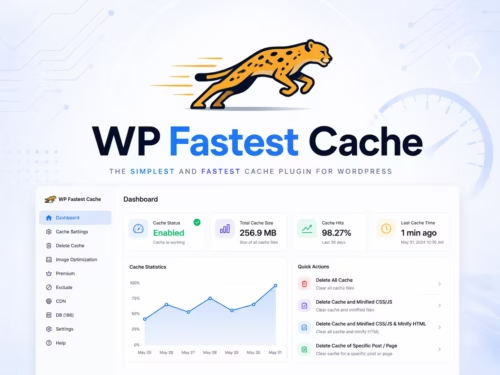
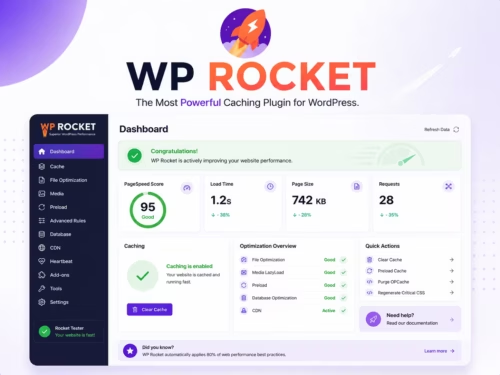
| WP Rocket | All-around cache and performance setup | View |
| WP Fastest Cache | Simple page cache on a tighter budget | View |
These scores focus on practical site-owner decisions: setup, risk, WooCommerce behavior, and how much tuning room each plugin gives you.
| Criteria | WP Rocket | WP Fastest Cache |
|---|---|---|
| Setup simplicity | 8/10 | 8/10 |
| Performance feature depth | 9/10 | 7/10 |
| WooCommerce confidence | 9/10 | 7/10 |
| Budget fit | 7/10 | 9/10 |
| Long-term tuning | 9/10 | 7/10 |
Choose WP Rocket if you want a more complete performance workflow with cache preload, LazyLoad, file optimization, and WooCommerce-aware defaults. Choose WP Fastest Cache if you want a simpler cache plugin and are comfortable testing fewer controls manually.
WP Rocket is built around turning on the common performance stack quickly, then fine-tuning problem settings. WP Fastest Cache feels more direct: enable cache, test the page, then selectively add minification or CDN settings.
For stores, cart, checkout, account pages, fragments, currency behavior, and geolocation can complicate caching. WP Rocket documents WooCommerce-specific behavior, which makes it easier to reason about risk before enabling aggressive settings.
WP Rocket usually gives more front-end optimization coverage in one place. WP Fastest Cache can still be effective, but you may pair it with a separate image plugin or host-level tools depending on the site.
For client sites where non-technical owners will touch settings, WP Rocket is easier to standardize. For a small blog, WP Fastest Cache may be enough if the theme is light and the hosting is decent.
It can be, especially when its preload, LazyLoad, and file optimization features are configured well. The actual result depends on theme, hosting, images, and scripts.
Both are approachable, but WP Rocket gives a more guided all-in-one workflow. WP Fastest Cache is simpler if you only want basic page caching.
WP Rocket is usually easier to reason about for WooCommerce because it documents store-specific behavior and gives more tuning options. Still test cart and checkout carefully.
No. Running two page cache plugins together can create conflicts, stale pages, or unpredictable optimization behavior.
Choose it for smaller sites, simpler blogs, or budget-focused projects where basic cache and lightweight setup are enough.